11 AI Tools for Business Intelligence Without a Data Team (Real Tests)
Introduction
Gone are the days when corporate data was under the strict hegemony of specialized IT departments. Today, extracting actionable insights from raw numbers relies less on complex SQL queries and more on a heuristic approach powered by artificial intelligence.
You no longer need an entire department of data scientists to understand your metrics. Instead, modern AI-driven platforms act as your personal analyst, answering questions, spotting trends, and generating reports on the fly.
In this guide, we will explore tools that bring robust analytics to everyday business users, completely bypassing the need for a dedicated data team.
What are business intelligence (BI) platforms?
Before diving into the tools, it is crucial to understand what BI platforms actually do in a modern context:
- Data Aggregation: They pull scattered information from various software (CRMs, ERPs, spreadsheets) into one centralized hub.
- Trend Identification: They use algorithms to spot historical patterns and forecast future outcomes.
- Visual Storytelling: They transform unreadable spreadsheets into intuitive dashboards and charts.
- Actionable Insights: They bridge the gap between raw metrics and strategic decision-making, showing you why something happened, not just what happened.
AI Tools for Business Intelligence: A Quick Glance
Here is a quick comparison of the top AI-driven platforms helping teams analyze their business data without coding expertise:
| Tool | Primary Focus | Best For | Pricing |
|---|---|---|---|
| Powerdrill Bloom | Natural Language BI | Instant data chatting & reports | $13.27/month |
| HubSpot Breeze AI | CRM Intelligence | Marketing & sales insights | Pay-as-you-go |
| Salesforce Einstein | Enterprise Analytics | Deep CRM data forecasting | Custom pricing |
| Jasper AI | Content Intelligence | Marketing performance data | $69/per user month |
| Pipedrive AI | Sales Pipeline BI | Small business sales tracking | $14/per user month |
| Grammarly Business | Communication BI | Team tone & output analytics | Custom pricing |
| Notion AI | Knowledge Graph BI | Internal wiki & project analytics | $10/per user month |
| Tableau AI | Visual BI | Complex data visualization | $15/per user month |
| Gong.io | Revenue Intelligence | Call & meeting data analysis | Custom pricing |
| Drift | Conversational BI | Chatbot interaction metrics | Custom pricing |
| Domo | Dashboarding | Executive-level reporting | Custom pricing |
My Picks for the 11 Best AI Tools for Business
1. Powerdrill Bloom
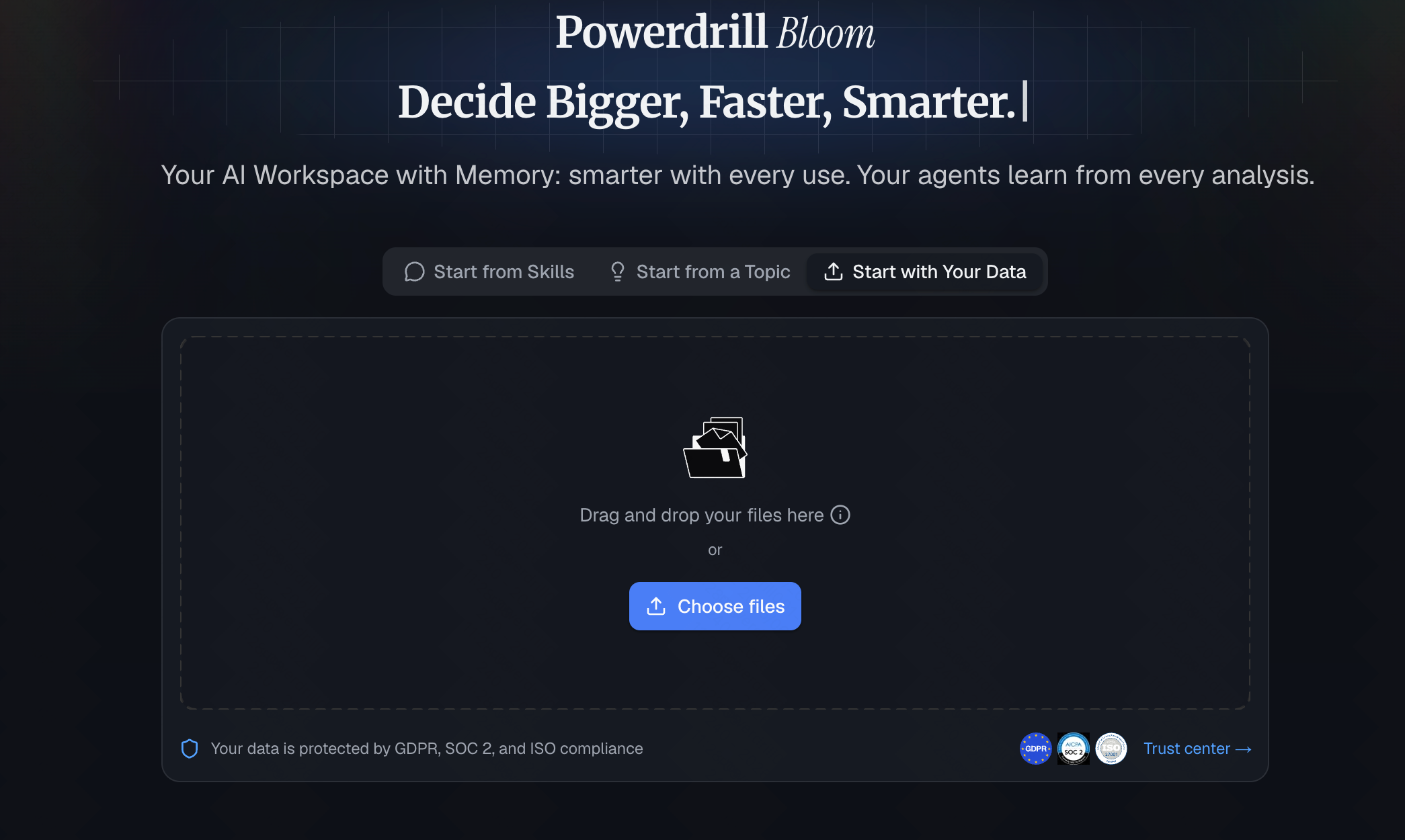
A versatile AI agent for professionals and enterprise teams that executes business intelligence tasks, not just answers questions. With persistent Workspaces, MCP integrations, and built-in BI skills, it turns raw data into actionable insights, interactive charts, and presentation-ready decks—no code required.
Key Features
Natural language querying (ask questions in plain English).
Automated dashboard and chart generation.
Seamless integration with CSV, Excel, and major databases.
Pros
Zero coding or SQL knowledge required.
Incredibly fast deployment and onboarding.
Highly accurate interpretations of complex datasets.
Cons
Relatively new, so community templates are still growing.
Not suited for legacy, on-premise mainframe data extraction.
Pricing
Free tier available; paid plans start at $13.27/month.
2. HubSpot Breeze AI
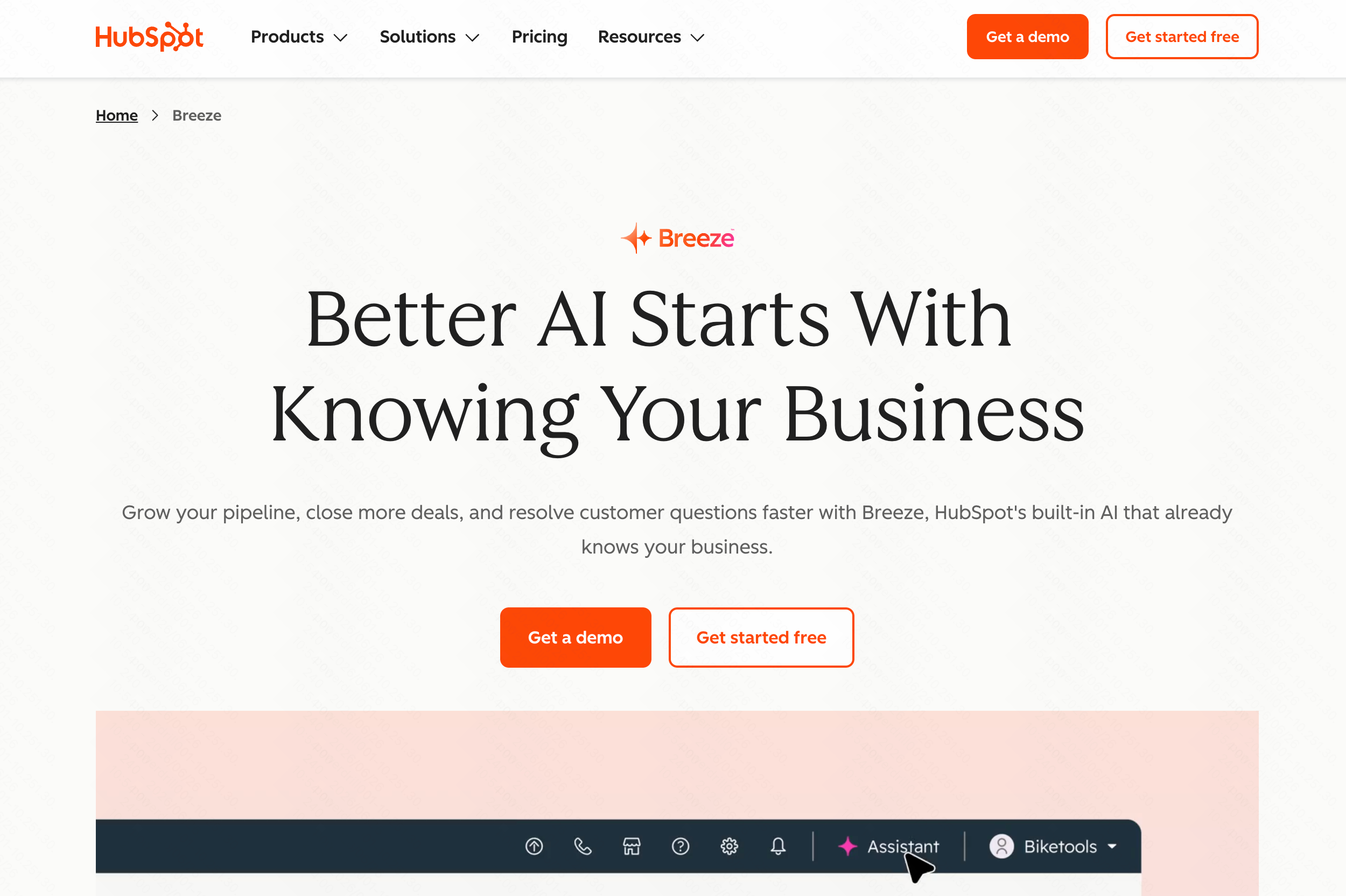
An intelligent layer built directly into HubSpot’s CRM to automate tasks and reveal customer journey insights.
Key Features
Predictive lead scoring.
Automated sales forecasting.
Content generation based on CRM data.
Pros
Perfectly integrated if you already use HubSpot.
Reduces manual data entry.
Intuitive interface.
Cons
Locks you into the HubSpot ecosystem.
Limited use outside of marketing and sales data.
Pricing
Breeze Assistant is free for all users. Advanced features like Breeze Agents work on a credit-based pay-as-you-go system.
3. Salesforce Einstein
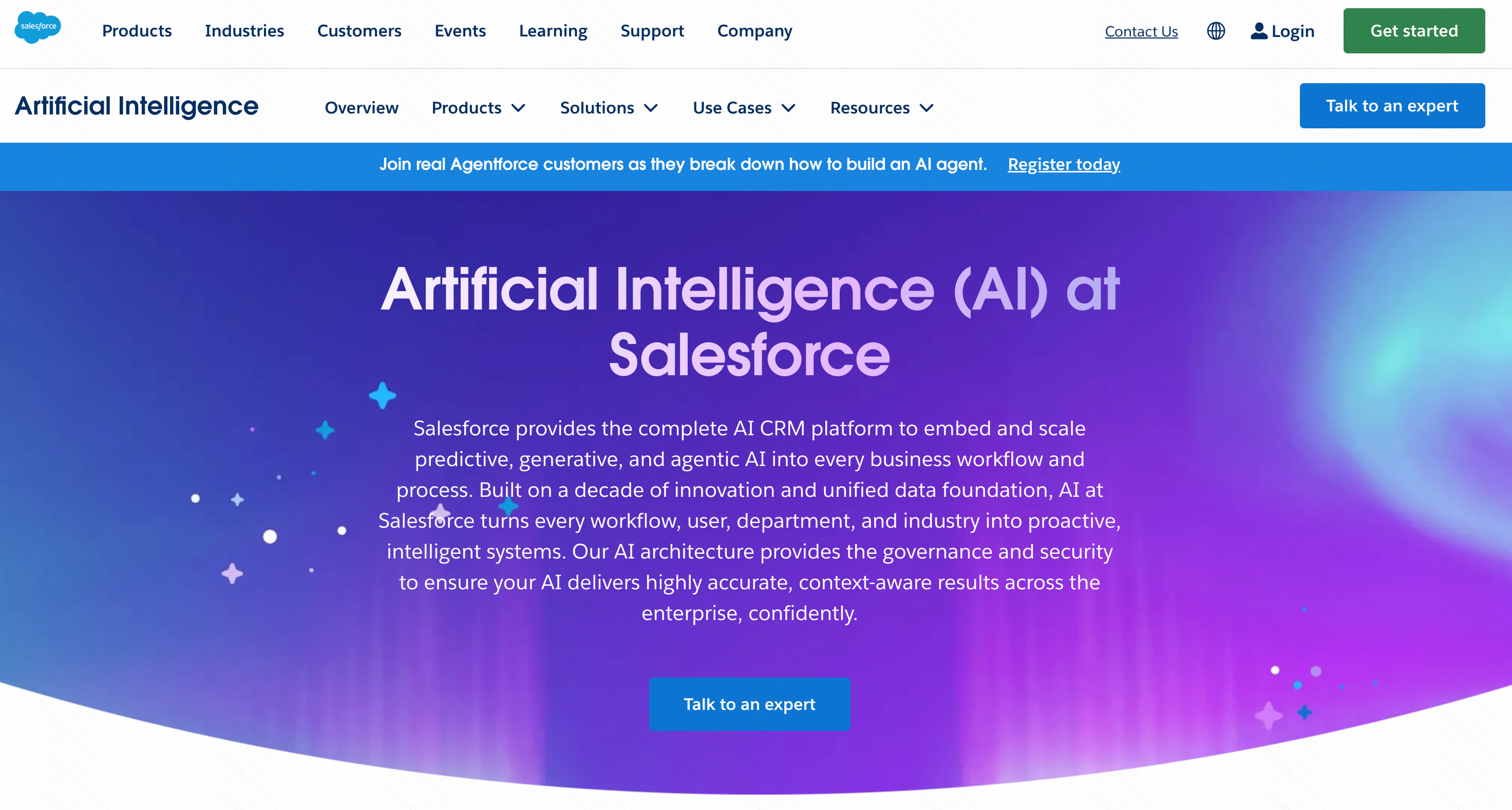
The heavy-hitter of enterprise CRM intelligence, using AI to predict sales outcomes and customer behaviors.
Key Features
Opportunity scoring and insights.
Automated data capture.
Next-best-action recommendations.
Pros
Incredibly deep analytics capabilities.
Highly customizable for large enterprises.
Massive ecosystem of integrations.
Cons
Steep learning curve.
Often requires a consultant or minor data team to configure properly.
Pricing
Custom pricing.
4. Jasper AI
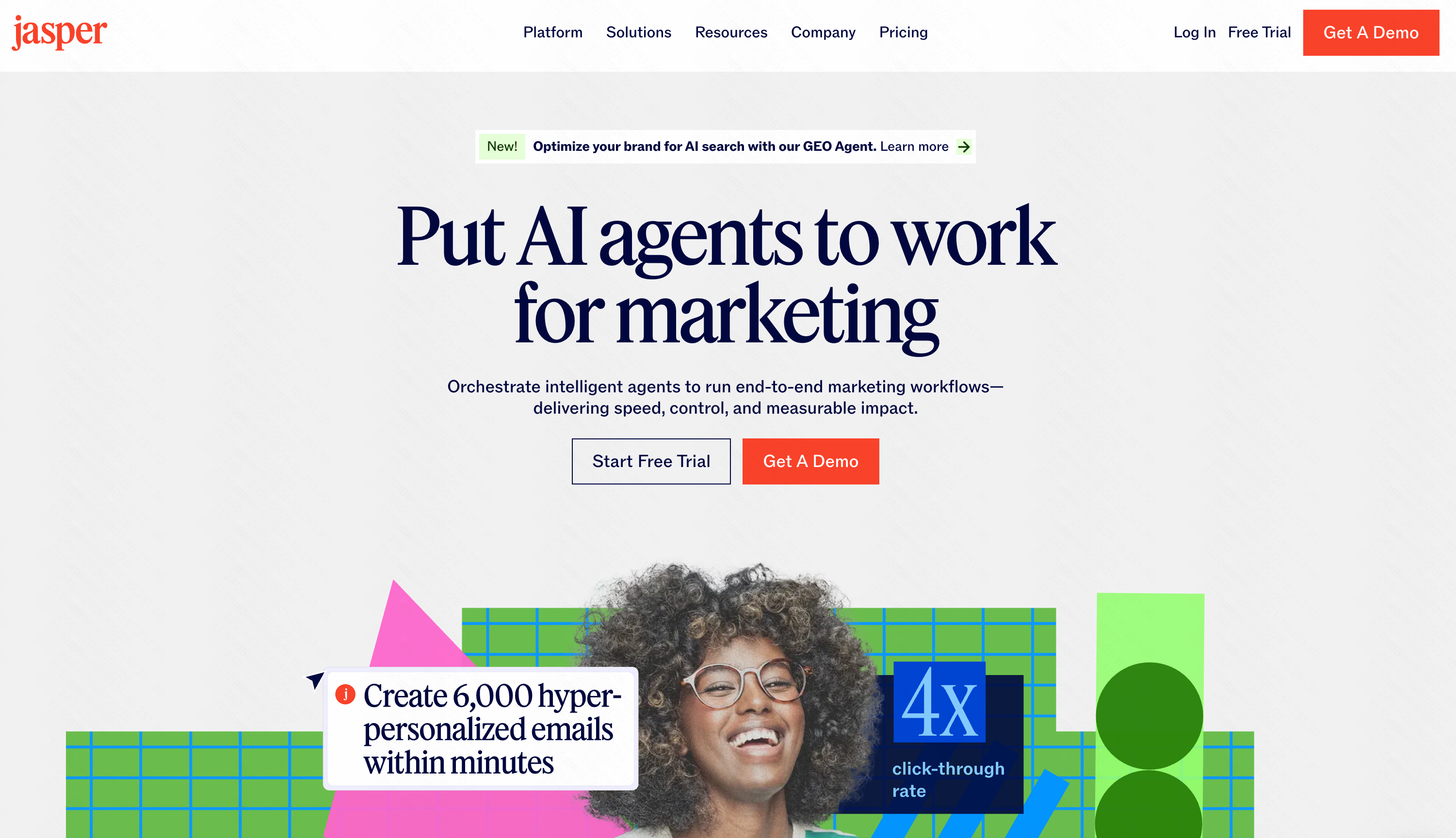
While primarily an AI writer, Jasper acts as a content intelligence BI tool by analyzing what messaging drives ROI.
Key Features
Brand voice analytics.
Content performance insights.
Campaign data aggregation.
Pros
Excellent for marketing teams.
Bridges the gap between creativity and data.
Easy to adopt.
Cons
Not a traditional numbers-based BI tool.
Lacks financial or operational analytics.
Pricing
Starts at $39 per user/month.
5. Pipedrive AI
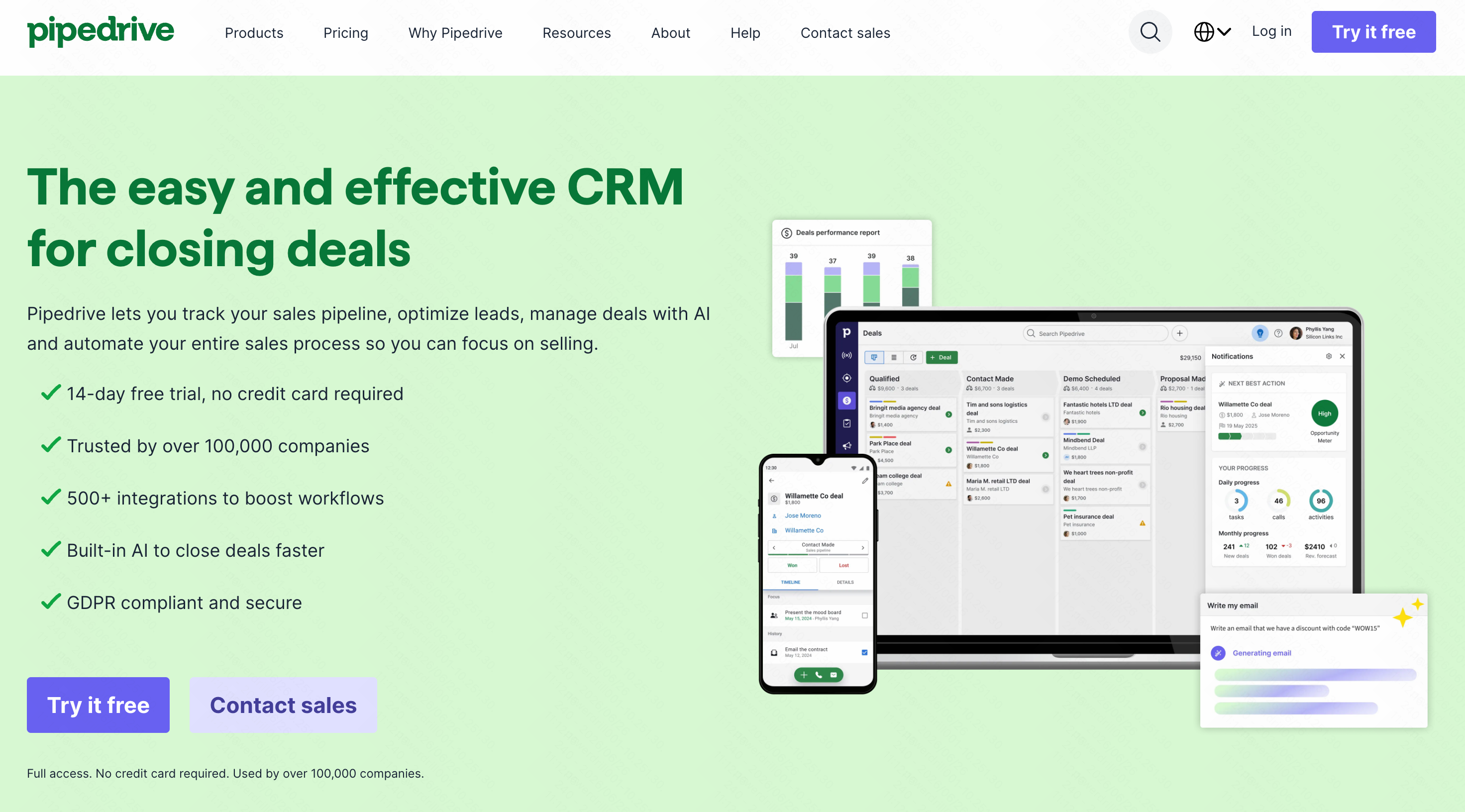
A straightforward, sales-focused intelligence tool that helps small businesses analyze their pipelines.
Key Features
Win-probability forecasting.
Smart contact data enrichment.
Sales performance dashboards.
Pros
Extremely user-friendly.
Great visual representation of pipelines.
Affordable for startups.
Cons
Too simplistic for complex enterprise models.
Lacks advanced cross-departmental analytics.
Pricing
AI features are integrated into upper-tier plans starting at $14/month.
6. Grammarly Business
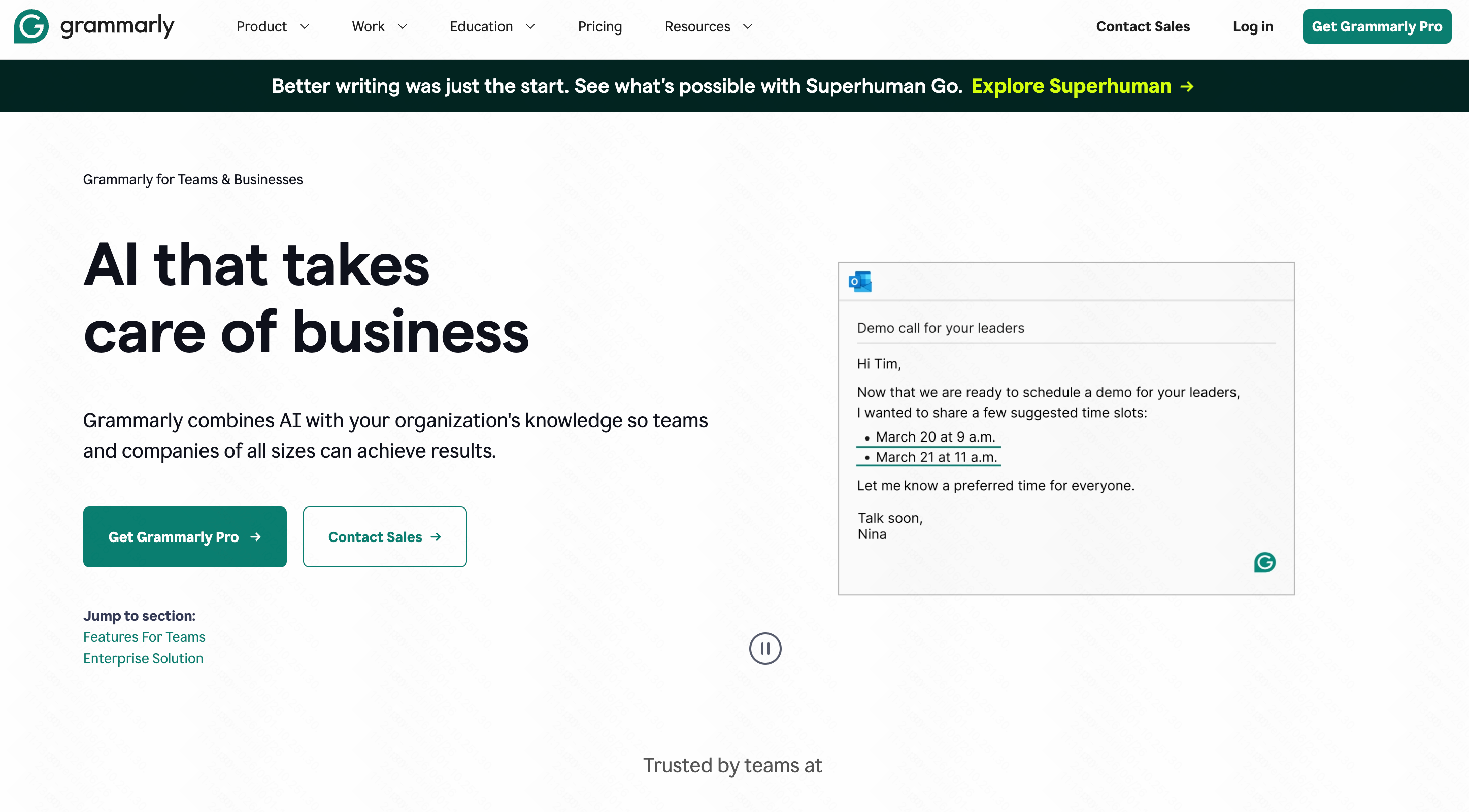
A unique approach to communication BI, analyzing team messaging metrics, tone consistency, and productivity.
Key Features
Team performance and usage analytics.
Tone and brand compliance tracking.
Generative AI writing assistance.
Pros
Improves external corporate communication.
Provides unique data on employee output.
Works across almost all desktop apps.
Cons
Only analyzes text and communication, not business metrics.
Privacy concerns for some strict IT departments.
Pricing
Custom pricing.
7. Notion AI
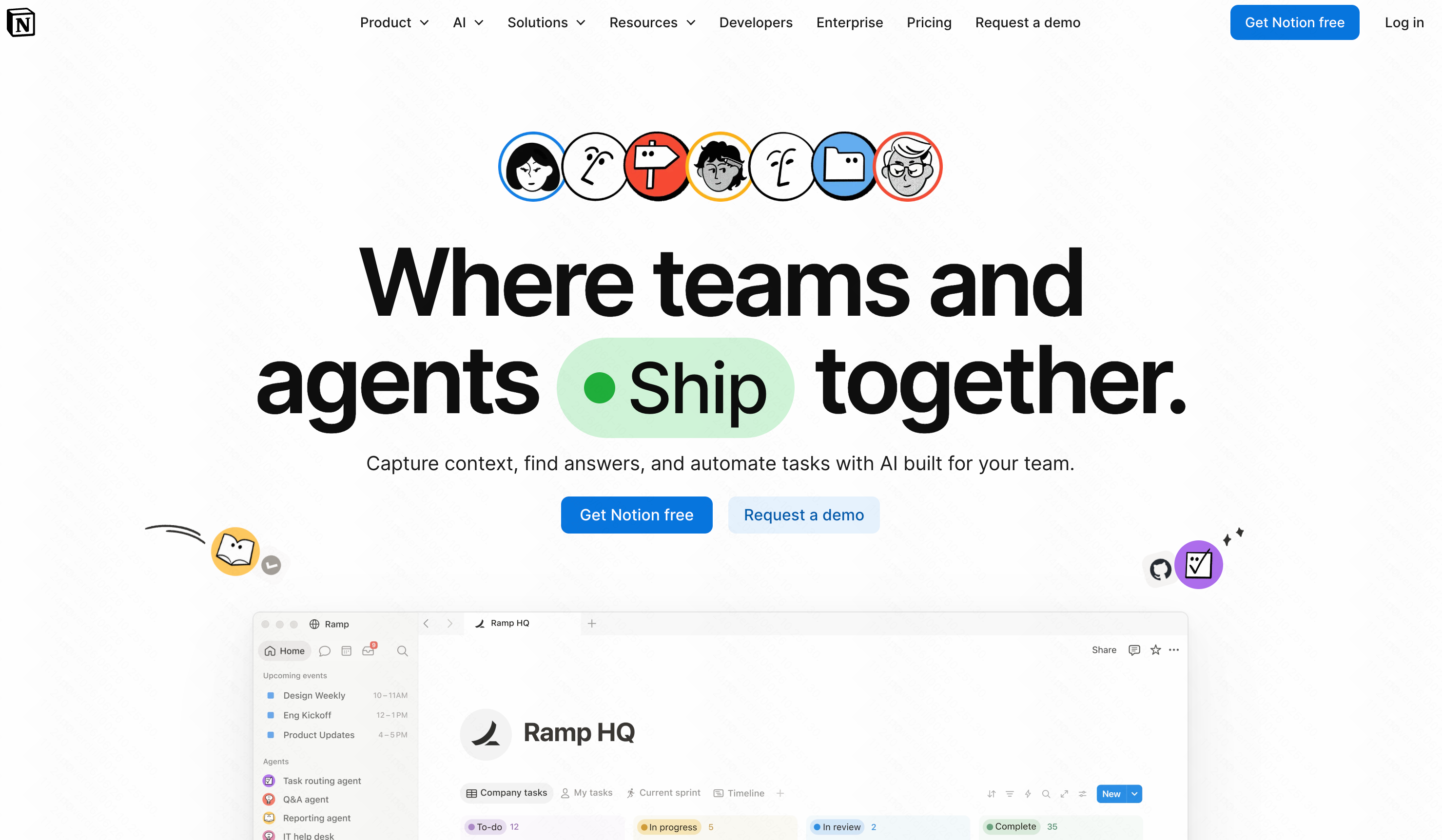
A knowledge graph intelligence tool that extracts insights, summaries, and action items from your company's internal documents.
Key Features
Automated document summarization.
Cross-workspace data retrieval.
Project status analytics.
Pros
Turns messy notes into structured data.
Eliminates internal knowledge silos.
Incredibly flexible workspace.
Cons
Not built for quantitative financial data.
Can become cluttered without strict organizational rules.
Pricing
$10 per user/month add-on to existing plans.
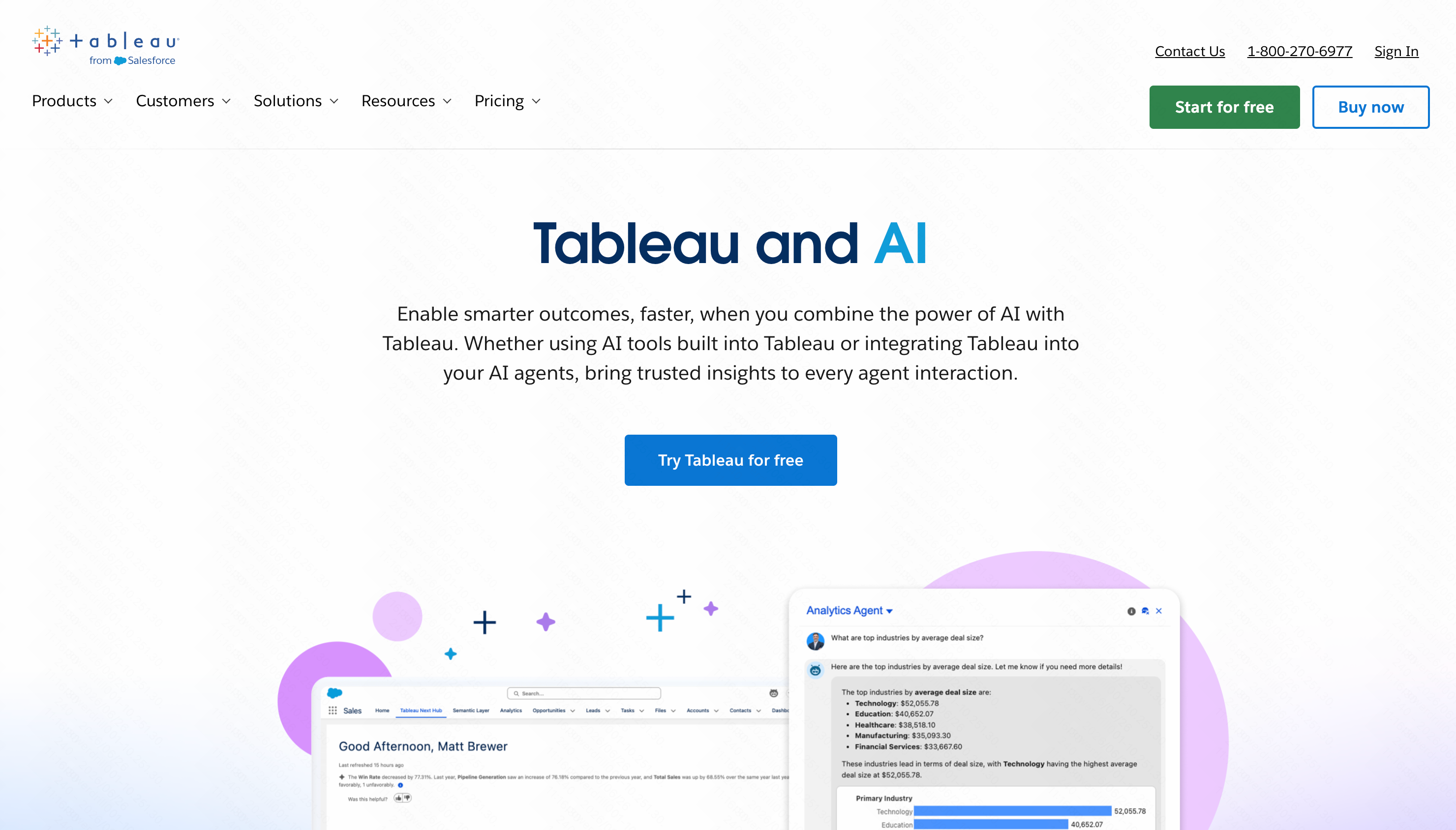
8. Tableau AI
A legendary visualization tool that recently added AI (Tableau Pulse) to help users interpret complex charts using natural language.
Key Features
Automated data summaries.
Next-generation visual mapping.
Predictive statistical modeling.
Pros
Industry gold standard for visualization.
Handles massive datasets easily.
Beautiful, interactive reports.
Cons
Initial setup usually requires data engineering.
Can be overwhelmingly complex for average users.
Pricing
Starts at $15 per user/month.
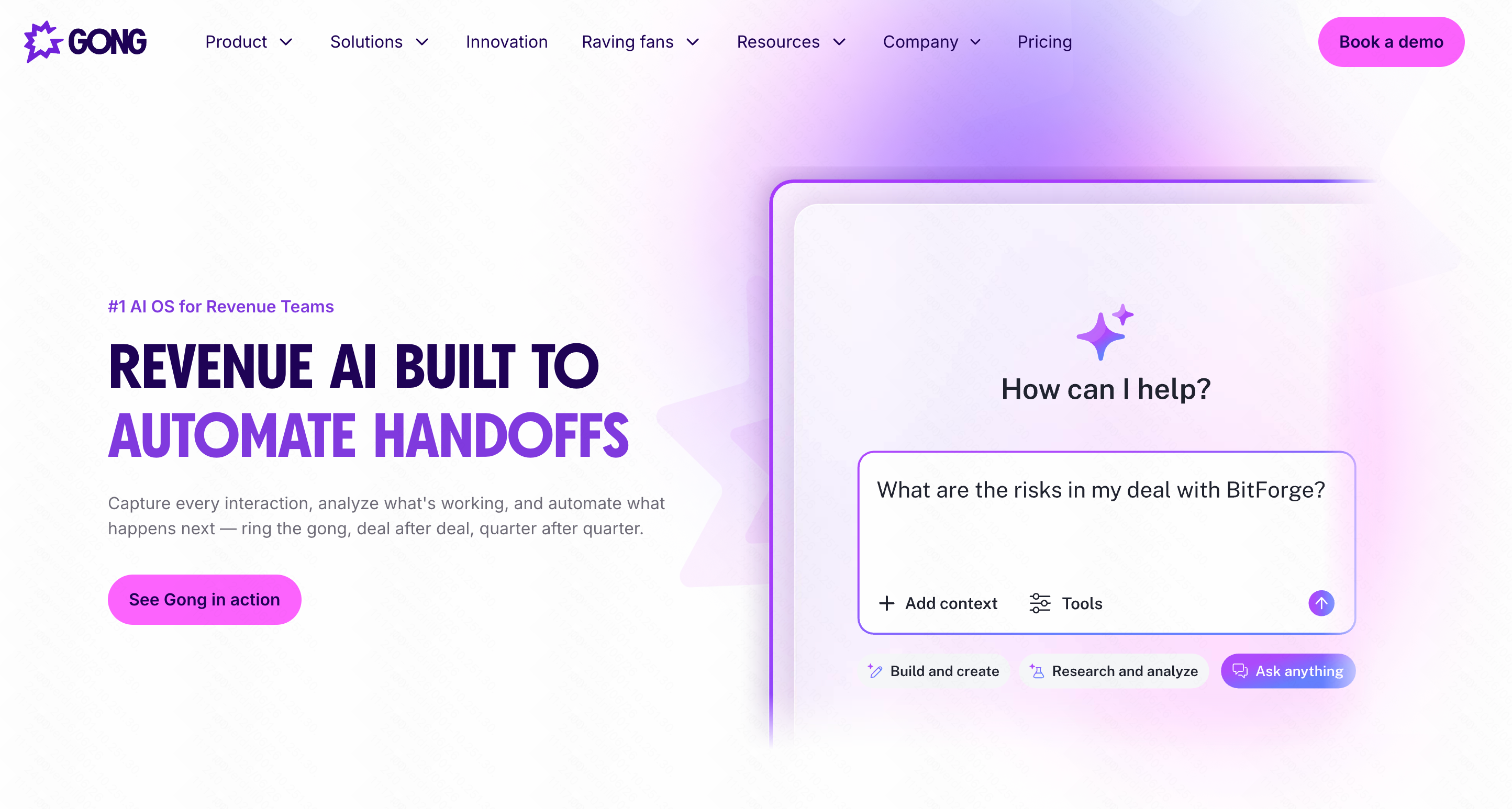
9. Gong.io
The ultimate revenue intelligence platform, using AI to analyze sales calls and meeting data for conversion trends.
Key Features
Call transcription and sentiment analysis.
Deal execution analytics.
Market trend spotting from customer conversations.
Pros
Uncovers hidden reasons why deals are lost.
Great coaching tool for sales managers.
Completely automated data capture.
Cons
Expensive.
Only relevant for B2B sales/customer success teams.
Pricing
Custom enterprise pricing.
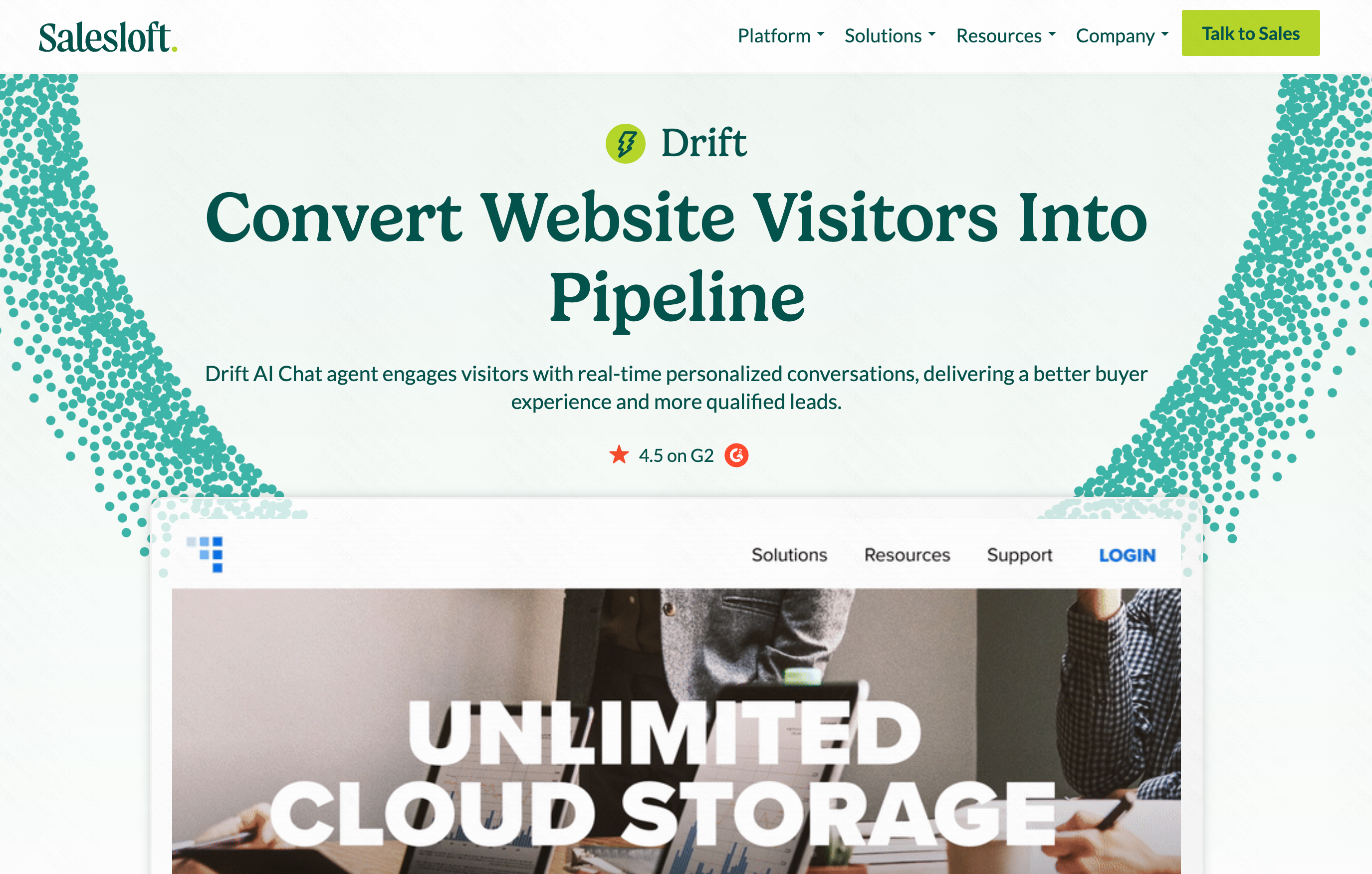
10. Drift
Conversational marketing BI that tracks chatbot performance, website visitor intent, and lead conversion metrics.
Key Features
Visitor intent scoring.
Chatbot drop-off analytics.
A/B testing data for conversational hooks.
Pros
Turns web traffic into measurable data points.
Helps optimize website lead generation.
Real-time notifications.
Cons
Confined to website chat/marketing data.
High price point for smaller websites.
Pricing
Custom pricing.
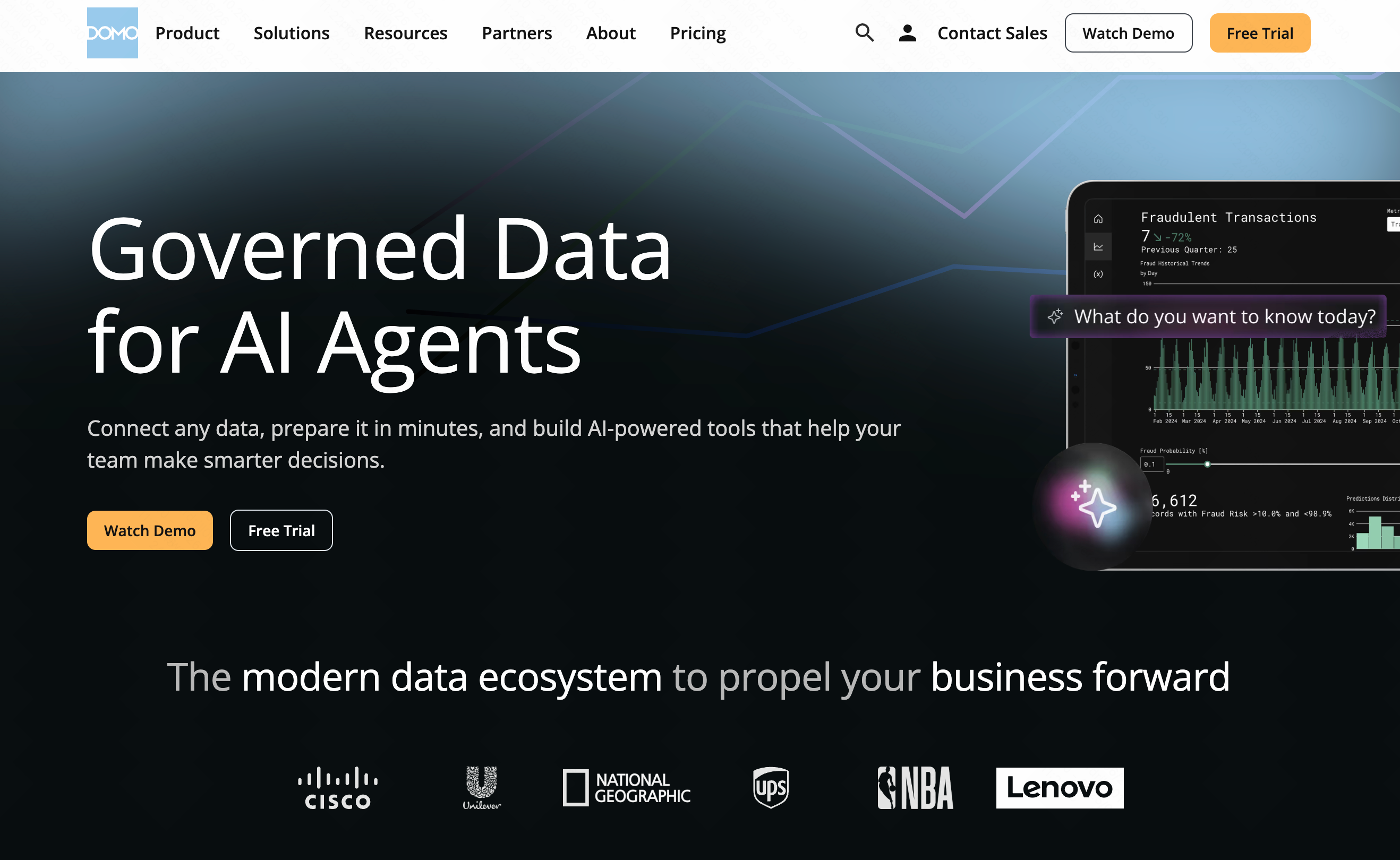
11. Domo
A cloud-based dashboarding platform that uses AI to create unified views of executive business data.
Key Features
Hundreds of pre-built data connectors.
Real-time mobile BI access.
AI-powered alert systems.
Pros
Great for C-suite executive overviews.
Brings marketing, finance, and HR data together.
Strong mobile application.
Cons
Lengthy implementation time.
Requires some technical acumen to build custom data flows.
Pricing
Custom pricing based on data usage and seats.
How to Evaluate AI Tools for Business Intelligence
- No-Code Capability: Can a non-technical marketing or sales manager use it without writing SQL?
- Data Integration: Does it connect effortlessly to your existing tools (Stripe, Shopify, local CSVs)?
- Accuracy of AI: Does the tool minimize hallucinations and provide reliable mathematical outputs?
- Cost Efficiency: Does the pricing model fit your business size without charging massive enterprise minimums?
- Actionability: Does the tool just show you charts, or does it tell you what the charts actually mean?
Why Powerdrill Bloom Stands Out among BI Platforms
While the market is flooded with analytical tools, finding one that genuinely bypasses the need for a data team is rare. Here is why Powerdrill Bloom is my top recommendation:
- Accessibility Over Complexity: Tools like Tableau and Salesforce Einstein are powerful but heavily rely on a structured setup by data engineers. Powerdrill Bloom completely democratizes data, allowing you to ask "What was our top-selling product in Q3?" and get an instant, accurate answer.
- True Natural Language Processing: Unlike Domo or Pipedrive which still rely on building out physical dashboards, Powerdrill Bloom acts as a conversational partner.
- Cost-Effective Innovation: You bypass the hefty consultant fees associated with enterprise BI software, getting enterprise-grade insights at an SMB-friendly price.
- Time to Value: You can upload a dataset and get strategic insights in minutes, not months.
Conclusion
Democratizing your company’s data shouldn't require hiring a team of engineers or spending months learning complex software. While tools like HubSpot and Gong offer incredible niche insights, they remain specialized. If you want a versatile, incredibly intuitive platform that turns raw numbers into conversational insights instantly, you need to experience the future of analytics.
Stop wrestling with spreadsheets and start getting answers. Try Powerdrill Bloom today and give your entire business the power of an expert data analyst—without the overhead.
FAQs
Can Powerdrill Bloom replace my data analyst?
Yes, Powerdrill Bloom automates reporting and insights, allowing non-technical teams to analyze data instantly without hiring an analyst.
Do I need to know SQL to use Powerdrill Bloom?
Not at all. Powerdrill Bloom uses natural language, meaning you can simply type your questions in plain English.
How fast can I set up Powerdrill Bloom?
Setup is virtually instant. Simply upload your CSV or connect your data source, and you can begin chatting immediately.
How does Powerdrill Bloom compare to traditional BI?
Unlike traditional BI platforms requiring complex setups, Powerdrill Bloom delivers instant, chat-based insights directly to everyday business users.