10 Best No-Code Data Analysis Tools for Non-Technical Users (Field-Tested)
Introduction
The era of relying solely on specialized data scientists and complex coding languages like Python, SQL, or R to decipher business data is officially over. Today, the rapid evolution of artificial intelligence has completely democratized data analysis, making it accessible to marketers, HR professionals, sales teams, educators, and small business owners alike. If you have ever stared at a massive, messy, unformatted spreadsheet and wished you could just ask it questions in plain language, you are in luck.
No-code data analysis tools have emerged as the ultimate solution for non-technical users who need to extract actionable insights, build predictive models, or automate reporting workflows without writing a single line of code. These platforms have shifted the paradigm from "how do I query this database?" to "what business problem do I need to solve today?" In this comprehensive, field-tested guide, we will explore the 10 best no-code data analysis tools available on the market right now. We will break down their specific profiles, key features, real-world pros and cons, and pricing structures to help you make an informed decision and fundamentally transform how your organization leverages its most valuable asset: data.
What is No-code Data Analysis Tools?
Before diving into the comprehensive list, it is essential to clearly define what we mean by these platforms and why they are revolutionizing the modern corporate workplace.
Definition and Core Concept: No-code data analysis tools are advanced software platforms equipped with intuitive graphical user interfaces (GUIs) or natural language processing (NLP) systems. They allow everyday users to perform complex data operations, transformations, and visualizations without needing any programming or statistical knowledge.
Extreme Accessibility: These revolutionary platforms replace complex database queries and scripting languages with simple drag-and-drop mechanics or conversational AI prompts. You simply upload your dataset, and the AI engine handles the complex mathematical computations behind the scenes.
Unprecedented Speed and Efficiency: What previously took days of back-and-forth communication with a busy engineering or BI team can now be accomplished in minutes. Users can generate intricate pivot tables, predictive machine learning models, and interactive charts instantly on their own.
Advanced Integration Capabilities: Modern no-code analytical tools seamlessly connect with everyday business software like CRMs (Salesforce, HubSpot), marketing platforms, and cloud storage solutions to continuously pull and analyze live data without manual intervention.
Significant Cost-Effectiveness: By eliminating the immediate need to hire highly paid, specialized data scientists for routine reporting and exploratory analysis tasks, businesses can significantly reduce their operational overhead while empowering frontline workers to make independent, data-driven decisions.
Quick Comparison Table
| Tool | Best For | AI Approach | Starting Pricing |
|---|---|---|---|
| 1. Powerdrill Bloom | Automated data agents & PPT exports | Multi-agent conversational AI | Free / $13.27/mo |
| 2. Julius AI | Deep exploratory statistics | Python code generation | Free / $20/mo |
| 3. Jotform AI | Data collection & instant reporting | AI form & report generation | Free / $39/mo |
| 4. Teachable Machine | Image & audio classification | Browser-based ML training | Free |
| 5. Clarifai | Unstructured data (images/video) | Computer vision & NLP | Free / Custom |
| 6. Zams | CRM & sales data automation | AI workflow orchestration | $100/user/mo |
| 7. Tableau AI | Enterprise data visualization | Generative BI (Tableau Pulse) | $15/user/mo |
| 8. Obviously AI | Predictive modeling & AutoML | No-code predictive pipelines | Custom |
| 9. AI Squared | Integrating AI into business apps | Web-based AI embedding | Custom |
| 10. Airtable | Relational database analytics | Generative AI within bases | Free / $20/mo |
1. Powerdrill Bloom
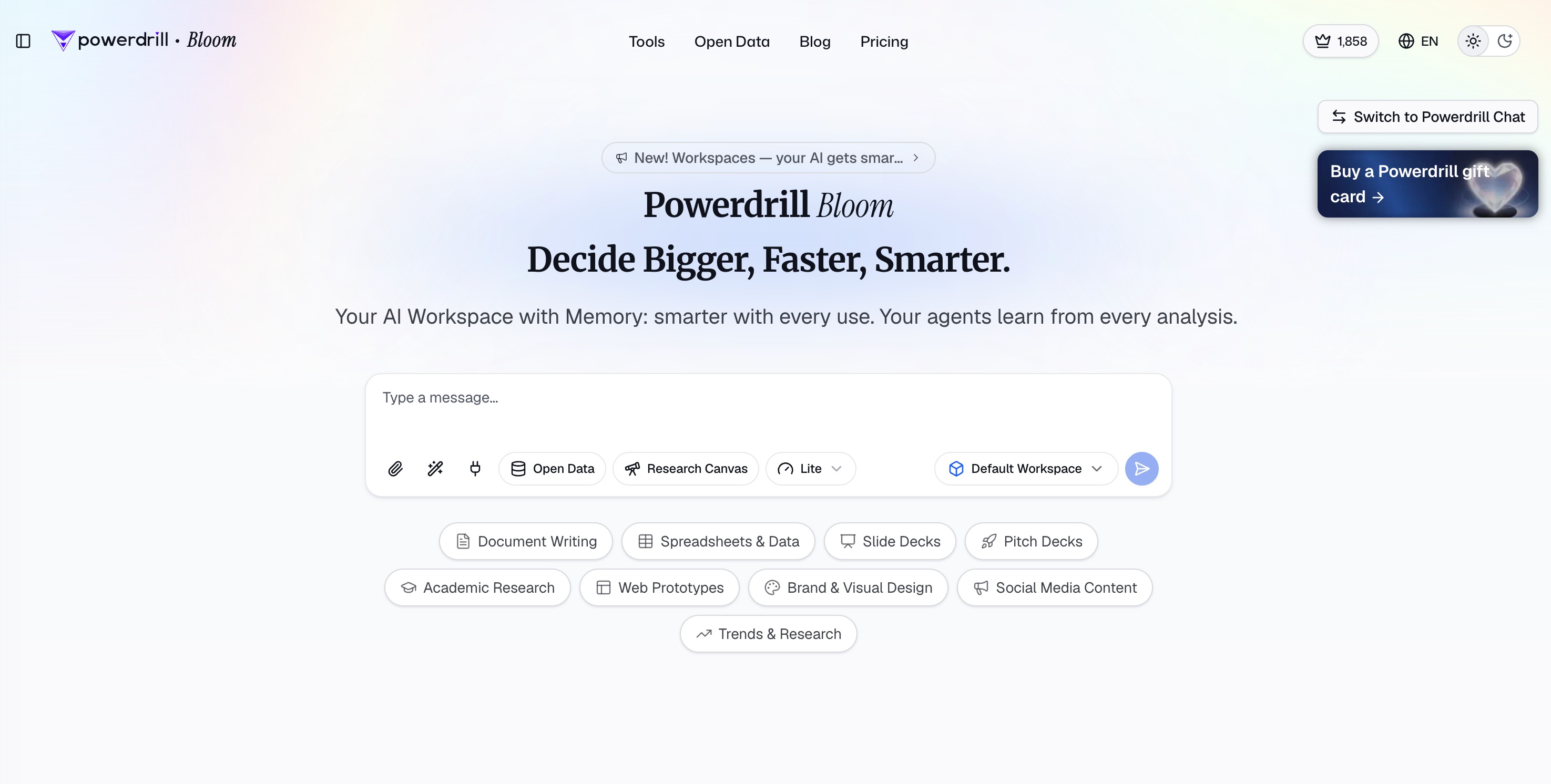
Powerdrill Bloom transcends the traditional boundaries of an analytical tool. It is a general-purpose AI agent and powerful action engine designed to execute complex tasks, automate workflows, and exponentially extend what a non-technical user can achieve. Going far beyond simply answering queries, it leverages specialized Claude Skills for in-depth research, analysis, and execution, and can seamlessly connect to MCP servers for advanced integrations. Users operate within persistent, intelligent Workspaces that deeply understand and remember your uploaded files across every chat session, offering robust multimodal support for documents, spreadsheets, slides, images, audio, and video.
For non-technical professionals, its flagship capability is an absolute game-changer for data analysis: simply drop in an Excel, CSV, TSV, or PDF file, and Bloom automatically cleans the data, suggests smart exploration paths, and surfaces hidden trends or anomalies on an interactive visual canvas. Built specifically for business, marketing, and finance teams, it intelligently recommends the perfect charts and instantly transforms any analytical canvas into a polished, presentation-ready deck exportable directly to PowerPoint or Notion, requiring absolutely zero SQL, Python, or design background.
Key Features
AI Data Agents: Employs a collaborative team of specialized AI agents. Anna the Analyst interprets data and builds charts; Eric the Engineer cleans and structures raw files; Derek the Detective adds external context from web benchmarks; and Victor the Verifier double-checks every metric to prevent AI hallucinations.
Conversational Data Interrogation: Users can seamlessly upload Excel, CSV, or PDF files and simply type complex analytical questions in natural language. The AI natively understands the context and instantly returns accurate, visual answers.
Automated Mind-Maps and Narrative Reports: Instantly processes uploaded datasets to build interactive mind-maps and comprehensive narrative reports that highlight subtle trends, distributions, classifications, and actionable KPIs.
One-Click Presentation Export: Effortlessly translates your data insights and interactive charts into fully formatted PowerPoint presentations or shareable reports with a single click, completely bridging the gap between raw analysis and executive communication.
Pros
Delivers an unmatched, intuitive user experience that truly requires absolutely zero coding skills or technical background.
The unique multi-agent verification system significantly reduces AI hallucinations, ensuring business-grade data accuracy.
Functions as an incredible time-saver due to its automated slide deck generation, giving you instant professional reporting capabilities.
Cons
The sheer speed, depth, and volume of the insights generated might initially require users to carefully refine their prompts to avoid being overwhelmed by data.
Because it relies on powerful cloud-based AI agents to process large datasets, a stable and continuous internet connection is mandatory.
While beginner-friendly, unlocking the absolute maximum potential of the Pro tier's analytical depth may require a slight learning curve in advanced prompt engineering.
Pricing
Powerdrill Bloom offers a highly generous Free plan for light users. For collaborative teams needing shared access and higher limits, the Team Pro plan starts at a highly competitive $13.27/month.
2. Julius AI

Julius AI functions as a highly capable, chat-based artificial intelligence data analyst tailored specifically for professionals who need to perform deep, exploratory data analysis without writing code. Instead of forcing users to navigate through complex graphical menus or BI dashboards, Julius AI provides a familiar, ChatGPT-like interface where you simply upload a file and start chatting. It connects seamlessly to local files, Google Sheets, and Postgres databases, making it an excellent daily companion for financial analysts and researchers who want an intelligent assistant to crunch numbers on their behalf.
Key Features
Under-the-Hood Code Generation: While the end-user experiences a completely no-code conversational interface, Julius AI actually writes, tests, and executes Python code in the background to ensure all statistical calculations are mathematically rigorous.
Versatile Integrations: Easily connects directly to various external data sources. You do not always have to manually upload CSVs; it can pull live data directly from your linked databases.
Dynamic Visualizations and Animations: Generates a wide variety of charts, graphs, and heatmaps based on your text prompts, which can be further customized. It can even generate GIF animations to show how data trends change over time.
Exportable Outputs: Allows advanced users to export not just the generated charts, but the underlying Python code, which is incredibly helpful if you ever need to pass the workflow to a technical engineering team.
Pros
Exceptionally strong at handling complex mathematical queries, advanced statistical tests (like ANOVA), and modeling due to its Python backend.
Features a highly intuitive interface that feels as familiar and easy to use as standard conversational AI chatbots.
Excellent at explaining its analytical methodology step-by-step, ensuring users understand exactly how it arrived at a specific conclusion.
Cons
File size limitations can sometimes throttle performance or cause timeouts when dealing with massive, enterprise-scale datasets.
Customizing the granular aesthetic details of generated charts via text prompt can sometimes be more tedious than using a standard drag-and-drop editor.
Lacks a built-in presentation generator, meaning you still have to manually copy and paste charts into your slide decks.
Pricing
Julius AI offers a free tier with basic daily usage limits. Paid analytical plans start at $20 per month, granting users higher processing limits, faster compute speeds, and access to more advanced language models.
3. Jotform AI
Jotform has long been a staple in the online form-building space, but with the recent, powerful integration of Jotform AI, it has evolved into a robust no-code data collection and analysis powerhouse. It is designed heavily for businesses, HR departments, educators, and event organizers who collect massive amounts of user-generated data and need to instantly transform those raw survey responses into digestible, visual insights without manually exporting everything to external BI tools like Excel or Tableau.
Key Features
AI-Powered Form Generation: Users can simply describe the type of data they need to collect (e.g., "an employee satisfaction survey"), and Jotform AI will automatically generate a highly optimized, conversion-ready form.
Instant Report Builder: Once data is collected, the AI automatically analyzes the responses, identifying trends, calculating averages, and generating comprehensive visual dashboard reports without any manual setup.
Qualitative Sentiment Analysis: For qualitative data such as open-ended text feedback or customer reviews, the AI can assess the sentiment (positive, negative, neutral) to provide quick operational insights at scale.
Seamless Workflow Automation: Integrates deeply with other business tools, allowing users to automatically route data based on AI-analyzed conditions—such as escalating negative feedback directly to a customer success manager.
Pros
Provides a brilliant all-in-one ecosystem that handles both initial data collection and subsequent visual analysis seamlessly.
Features an extremely user-friendly interface that requires essentially zero onboarding time for non-technical office workers.
Completely eliminates the frustrating need to export data to third-party visualization tools just to create basic charts and operational graphs.
Cons
Strictly limited to analyzing the data collected directly within the Jotform ecosystem; it is not a general-purpose tool for uploading external business CSVs.
The analytical depth is relatively basic and descriptive, lacking the predictive machine learning capabilities found in dedicated AI platforms.
Customization of the automated visual reports can feel somewhat restricted for power users who want pixel-perfect dashboard designs.
Pricing
Jotform offers a robust free tier for low-volume users. Paid organizational plans start at $39 per month, which increases the limits on form submissions, cloud storage, and access to advanced AI reporting features.
4. Teachable Machine
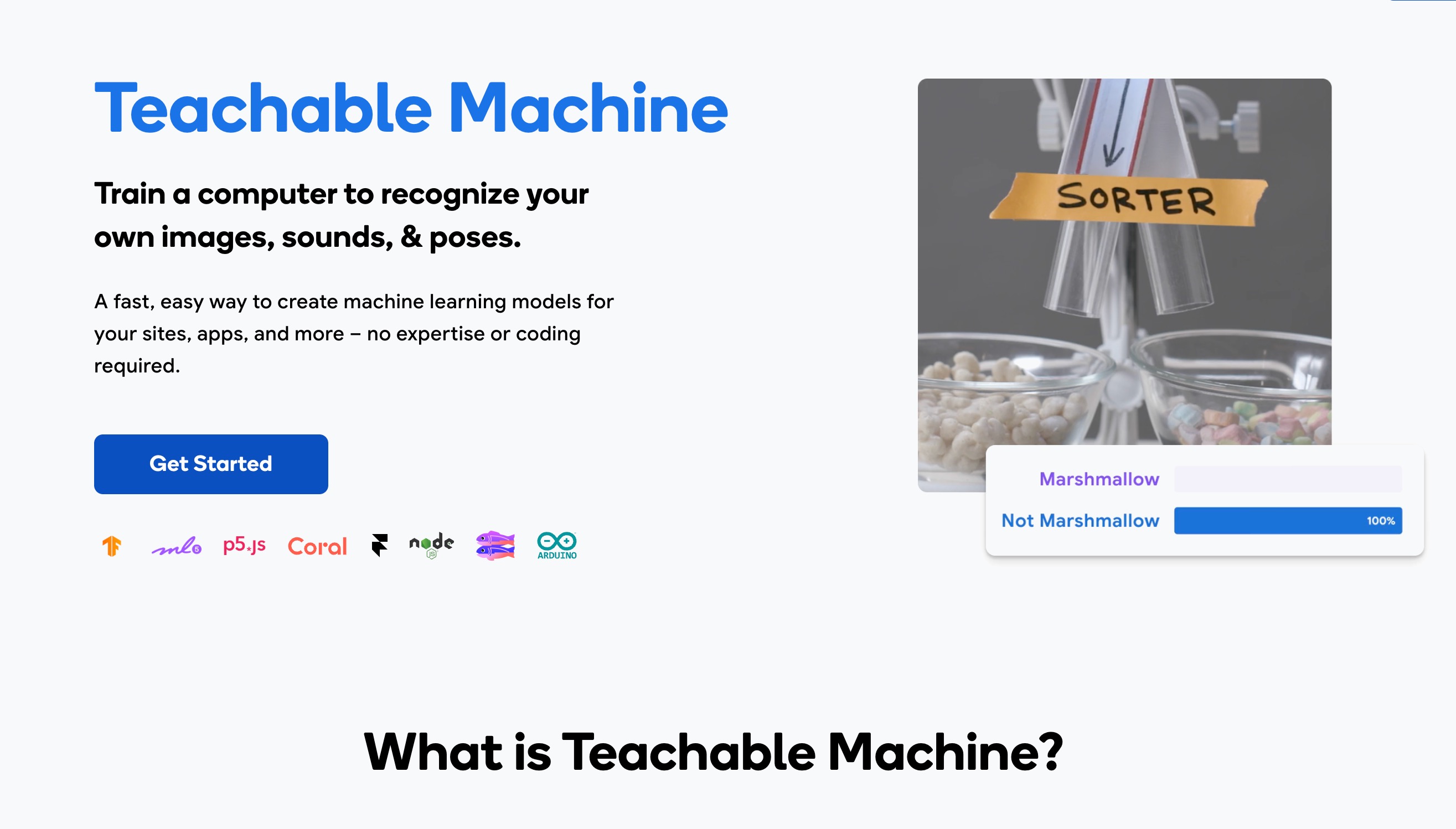
Developed and maintained by Google, Teachable Machine is an incredibly accessible, web-based platform designed to introduce non-technical users to the world of machine learning and data classification. It allows educators, hobbyists, designers, and small business owners to train custom machine learning models using their own webcams, microphones, or uploaded data files. It strips away all the intimidating complex mathematics and coding environments of neural networks, leaving a playful, highly visual, and intuitive interface.
Key Features
Browser-Based Model Training: The entire platform runs natively in your web browser, meaning there is no heavy software to download, no dependencies to install, and no complex local environments to configure.
Multi-Modal Data Classification: Supports the direct training of models based on three distinct unstructured data types: images (computer vision), sounds (audio classification), and body poses.
Instant Testing and Iteration: As soon as you provide the data samples, you can train the AI model with a single click and instantly test its accuracy live using your connected webcam or microphone.
Exportable Models: While it is entirely a no-code tool, the finished models can be exported in standardized developer formats like TensorFlow.js or TensorFlow Lite, allowing teams to embed them into websites or mobile apps later.
Pros
Acts as an absolutely phenomenal educational tool that visually demystifies how machine learning models actually analyze data and make predictions.
Completely free to use and highly accessible to literally anyone in the world with a basic internet connection and a browser.
Offers extremely fast model training times for small to medium-sized classification datasets, providing instant gratification.
Cons
Features a highly specific use case: it is solely built for basic classification (images, sounds, poses) and cannot handle traditional tabular business data like sales figures.
Not designed for enterprise-scale deployment or handling massive, multi-gigabyte training sets that require heavy cloud computing.
Lacks advanced model tuning features; it operates very much as a "black box" in terms of understanding exactly how the AI algorithm reaches its conclusions.
Pricing
Teachable Machine is completely free to use, supported by Google. There are no premium tiers or hidden costs, making it the perfect starting point for AI data analysis beginners.
5. Clarifai
Clarifai is a leading, enterprise-grade AI lifecycle platform that specializes specifically in analyzing unstructured data—namely images, videos, text, and audio. While many standard data analysis tools focus on neat rows and columns in spreadsheets, Clarifai is built for modern organizations that need to make sense of massive, chaotic media libraries. It is widely utilized by e-commerce brands for visual search optimization, defense organizations for satellite imagery analysis, and media companies for automated content moderation, all accessible via a user-friendly, no-code interface.
Key Features
Pre-Trained AI Models: Offers a vast, readily available library of pre-trained machine learning models ready to use out of the box for complex tasks like facial recognition, object detection, and NSFW content moderation.
Custom Model Training via UI: Non-technical users can easily upload their own images, draw visual bounding boxes around specific objects, and train custom visual AI models entirely through a streamlined drag-and-drop interface.
Multi-Modal Data Workflows: Allows users to seamlessly link different AI models together. For example, you can analyze a video file to extract spoken text (audio-to-text) and then simultaneously analyze that text for emotional sentiment.
Scalable Enterprise Infrastructure: Built from the ground up to effortlessly handle millions of API calls and massive datasets, making it robust enough for global enterprises while keeping the front-end accessible to analysts.
Pros
Delivers unrivaled accuracy and performance when it comes to extracting data and actionable insights from complex, unstructured visual media.
The user interface for annotating training data and deploying models is highly refined and exceptionally easy for non-developers to grasp.
Features an excellent community and model marketplace for finding pre-built solutions created by other organizations.
Cons
The platform's immense scope and enterprise focus can be slightly overwhelming and overly complex for a small business just looking for a simple analytical tool.
Not suited for standard business intelligence tasks, such as forecasting revenue or analyzing marketing spend from a standard CSV file.
Pricing can become expensive quite rapidly as data volume, storage, and API model usage scale up in a production environment.
Pricing
Clarifai offers a generous Community edition that is free with substantial monthly limits. Paid corporate tiers are highly customized based on processing volume, compute needs, and enterprise SLA requirements.
6. Zams
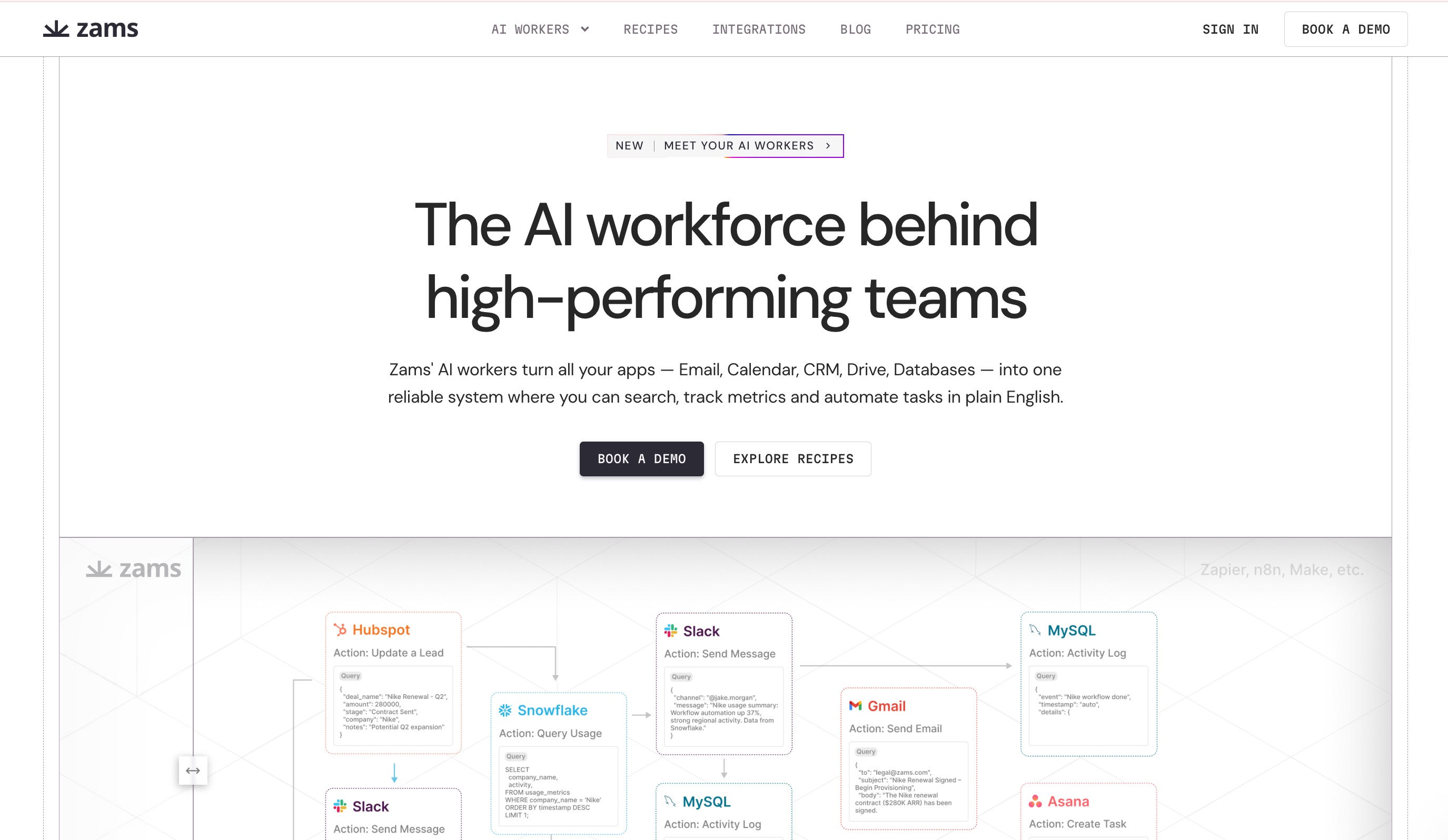
Formerly known for its predictive modeling roots under the name Obviously AI, Zams has repositioned itself as an elite AI command center specifically engineered for B2B sales teams and revenue operations. It tackles a different, highly valuable kind of data analysis: the messy, fragmented data living across your CRM, email, and communication tools. Zams allows non-technical sales leaders to deploy autonomous AI agents that orchestrate complex workflows, analyze pipeline health, and automate CRM data hygiene using nothing but plain-English commands.
Key Features
Agentic Workflow Automation: Unlike rigid, rule-based Zapier integrations, Zams uses highly context-aware AI agents that truly understand intent. You can tell it to "analyze the Gong meeting transcripts from today and update Salesforce opportunities accordingly," and it handles the rest.
Cross-Stack Data Orchestration: Natively integrates with over 100 essential Go-To-Market tools including Salesforce, HubSpot, Slack, and Apollo, effectively breaking down data silos without requiring IT assistance.
Conversational Pipeline Reporting: Sales managers can ask complex questions like "Which enterprise deals are at risk this quarter?" and Zams will instantly analyze the underlying CRM data to provide data-backed answers.
Automated Data Enrichment: The AI automatically researches leads across the web, enriches contact data, and prepares detailed meeting briefs, ensuring your CRM analytical data is always accurate and actionable.
Pros
Eliminates countless hours of manual data entry and cross-referencing for sales representatives, drastically boosting team productivity and morale.
The AI acts autonomously and adapts intelligently to changing business workflows, making it much more resilient than traditional, brittle automations.
Incredibly powerful for maintaining pristine CRM data hygiene and extracting real-time actionable insights from sales pipelines.
Cons
Highly specialized exclusively for Go-To-Market and sales use cases; it is not a general-purpose data analysis tool for HR, engineering, or scientific research.
Relies heavily on the data quality and API accessibility of the third-party tools it connects to in order to function properly.
Organizations must place high trust in the AI, as it requires extensive read/write access to mission-critical CRM databases.
Pricing
Zams pricing typically starts around $50 to $120 per user/month per AI worker. Directory listings also point to enterprise platform tiers scaling from $1,000 to $3,000 per month based on workflow complexity.
7. Tableau AI
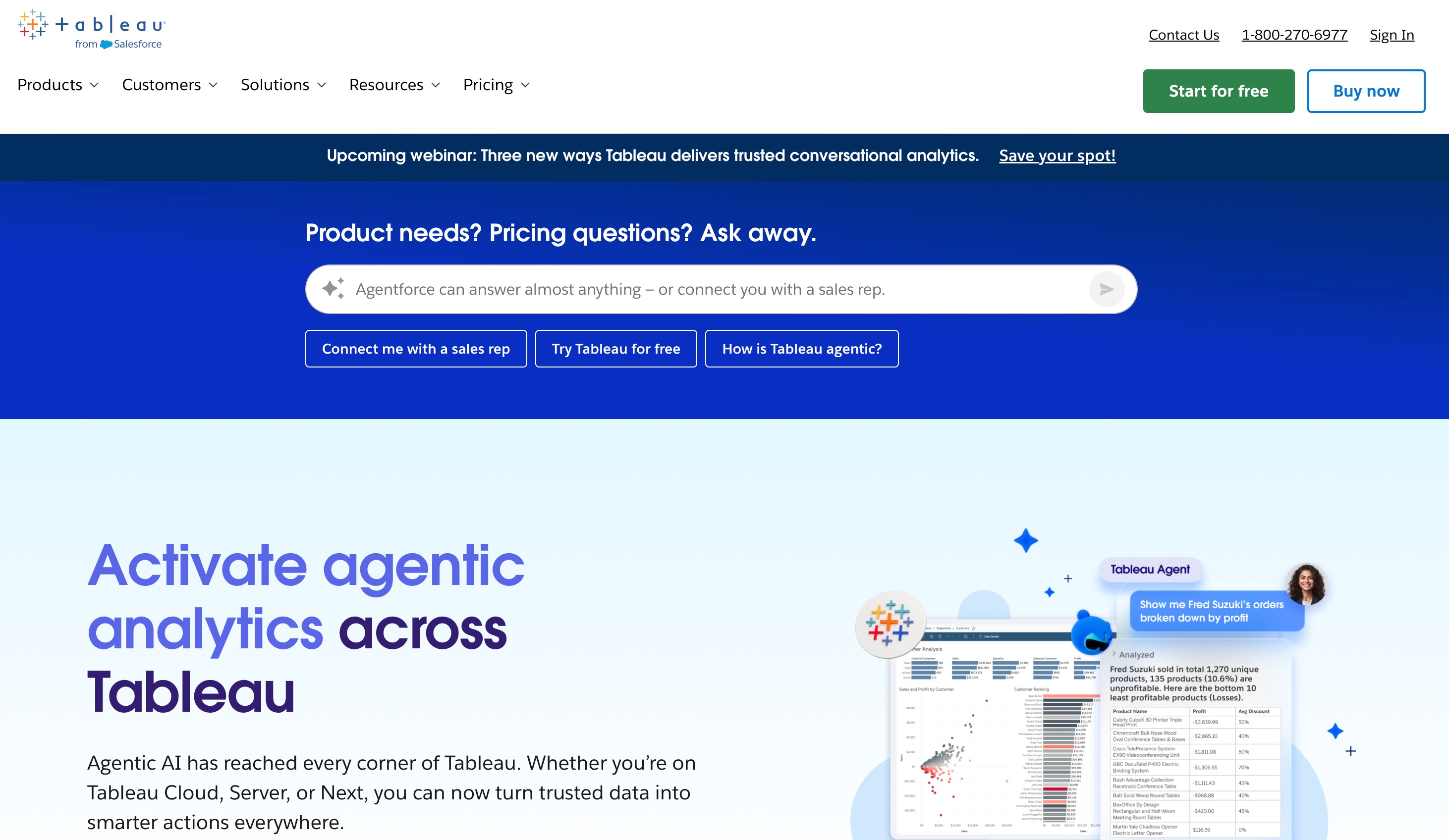
Tableau has long been recognized as the absolute gold standard for enterprise data visualization, but it historically required a notoriously steep learning curve to master. Enter Tableau AI, powered by Salesforce's Einstein Trust Layer. This massive upgrade integrates generative AI capabilities directly into the Tableau ecosystem via features like Tableau Pulse. It is designed for enterprise data analysts, executives, and business leaders who need the robust, strictly governed power of traditional BI tools combined with the modern ease of natural language querying.
Key Features
Tableau Pulse: Delivers automated, highly personalized metrics and data insights directly to users' daily workflows (like Slack, mobile apps, or email) in plain language, clearly explaining the "why" behind sudden data changes.
Conversational Data Exploration: Front-line users can ask natural language questions about their complex dashboards, and the AI will dynamically generate the appropriate visualizations and narrative summaries on the fly.
Einstein Trust Layer: Ensures that sensitive enterprise data remains secure and private. The AI strictly does not retain customer data for training purposes, meeting the highest corporate compliance standards.
Automated Dashboard Generation: Helps data analysts bootstrap their workflow by intelligently suggesting chart types, formatting, and optimal layouts based on the context of the uploaded dataset.
Pros
Backed by Salesforce, it offers the uncompromising enterprise-grade security, governance, and scalability that large Fortune 500 organizations require.
Seamlessly bridges the communication gap between complex data warehousing environments and front-line business users needing quick insights.
The generated visualizations remain industry-leading in terms of aesthetic quality, depth, and user interactivity.
Cons
Still carries some of the heavyweight legacy architecture of traditional Tableau; initial setup, deployment, and data governance require technical administrators.
Significantly more expensive and resource-intensive to deploy compared to agile, modern startups like Powerdrill Bloom.
Can be severe overkill for small businesses, freelancers, or individuals who just need to analyze a few CSV files quickly.
Pricing
Tableau typically starts at $15 per user/month for the basic Viewer tier, but Creator licenses (needed for full authoring) cost $75 per user/month. Advanced AI features are generally bundled into specific Einstein-enabled tiers.
8. Obviously AI
Obviously AI made its name by democratizing predictive analytics for the masses. While its core team has expanded into workflow automation (via Zams), the classic Obviously AI technology remains a formidable powerhouse for no-code machine learning. It is targeted specifically at marketers, risk analysts, and operations managers who need to confidently predict future business outcomes—such as customer churn, loan defaults, or seasonal inventory demands—from historical tabular data without hiring a six-figure data scientist.
Key Features
No-Code AutoML Pipeline: Users simply upload a historical dataset (e.g., a CSV file), select the specific column they want to predict, and the platform automatically tests thousands of machine learning algorithms to find the most accurate one in minutes.
One-Click Forecasting: Translates incredibly complex machine learning model outputs into simple, readable business forecasts, complete with accuracy metrics and statistical confidence intervals.
What-If Scenario Simulation: Allows users to dynamically tweak variables to see how they directly affect the prediction. For instance, "What happens to the likelihood of customer churn if we offer a 20% discount this month?"
API Integration: Once a predictive model is trained, users can easily share it with their team or integrate it into other business applications via an automatically generated REST API.
Pros
Makes highly advanced predictive modeling accessible to literal beginners in a matter of minutes.
The interactive "What-If" simulation tool is absolutely phenomenal for strategic business planning and executive decision-making.
Provides highly transparent accuracy metrics, so users know exactly how reliable the predictions are before acting on them.
Cons
Strictly focused on predictive modeling; it lacks the broad exploratory charting, automated dashboarding, and narrative reporting found in general conversational BI tools.
To get accurate results, the uploaded data needs to be relatively clean, well-structured, and tabular prior to ingestion.
Pricing can be a significant barrier to entry for individual users, students, or very small bootstrapped startups.
Pricing
Obviously AI operates primarily on custom enterprise pricing models depending on predictive volume and server compute time, generally starting in the higher hundreds of dollars per month for robust business usage.
9. AI Squared
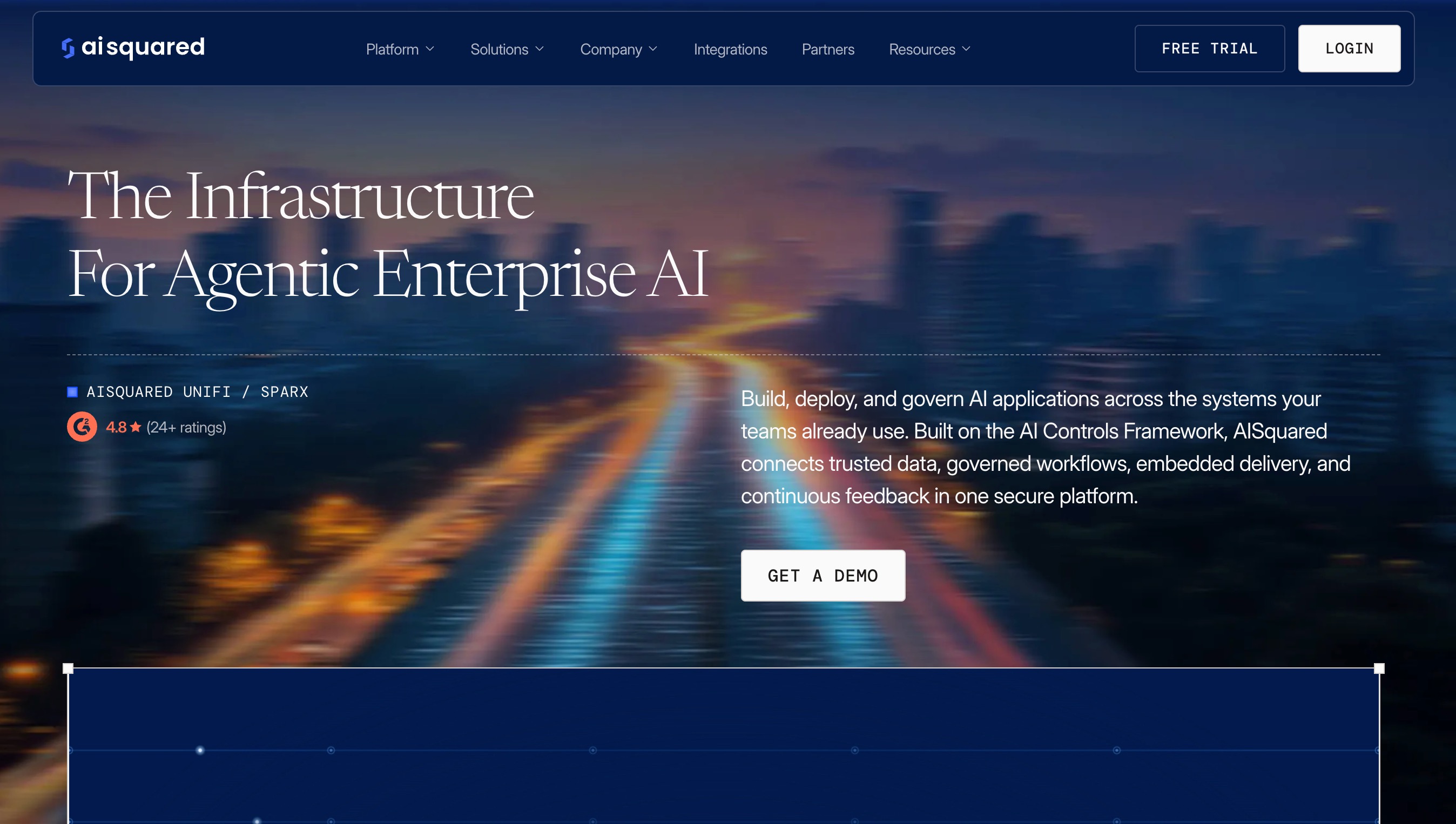
AI Squared is a highly unique entry in the no-code data space, focusing heavily on bridging the final gap between data analysis models and end-user applications. It is designed for businesses that already have valuable data models or insights but struggle to get their employees to actually look at them. AI Squared allows non-technical operators to seamlessly embed AI insights, predictive analytics, and machine learning models directly into existing web-based business applications (like a proprietary CRM or an intranet portal) without writing code.
Key Features
Browser Extension Integration: Uses a clever, proprietary browser-based approach to visually overlay data insights onto any web application your team already uses daily.
Drag-and-Drop Embedding: Users can take existing machine learning models or data visualizations and embed them into workflows visually, defining exactly where and how the data should appear on the screen.
Real-Time Data Context: The tool reads the context of the web page you are currently on (for example, reading a client's specific name in a CRM record) and automatically surfaces relevant data predictions or risk analytics for that specific client.
Feedback Loop: Allows front-line end-users to provide feedback on the AI's insights directly within the application, continuously improving the analytical model's accuracy over time.
Pros
Brilliantly solves the critical "last mile" problem of data analysis, getting the insights directly in front of decision-makers exactly when and where they need them.
Highly platform-agnostic; it can seamlessly overlay insights onto almost any modern web-based SaaS platform.
Empowers operations teams to drastically upgrade legacy internal tools with AI capabilities without waiting months on engineering bandwidth.
Cons
It functions more as an integration and deployment tool rather than an exploratory data analysis tool; you often need to bring your own models or rely on partner integrations.
The concept of overlaying AI onto existing web apps can require careful, meticulous setup to ensure it does not visually disrupt the standard user experience.
Targeted almost exclusively at mid-market to enterprise teams rather than individual users or small businesses.
Pricing
AI Squared operates on a strictly customized enterprise pricing model based on the number of active users, the complexity of the deployment, and integration needs. Interested users must contact sales for a tailored quote.
10. Airtable
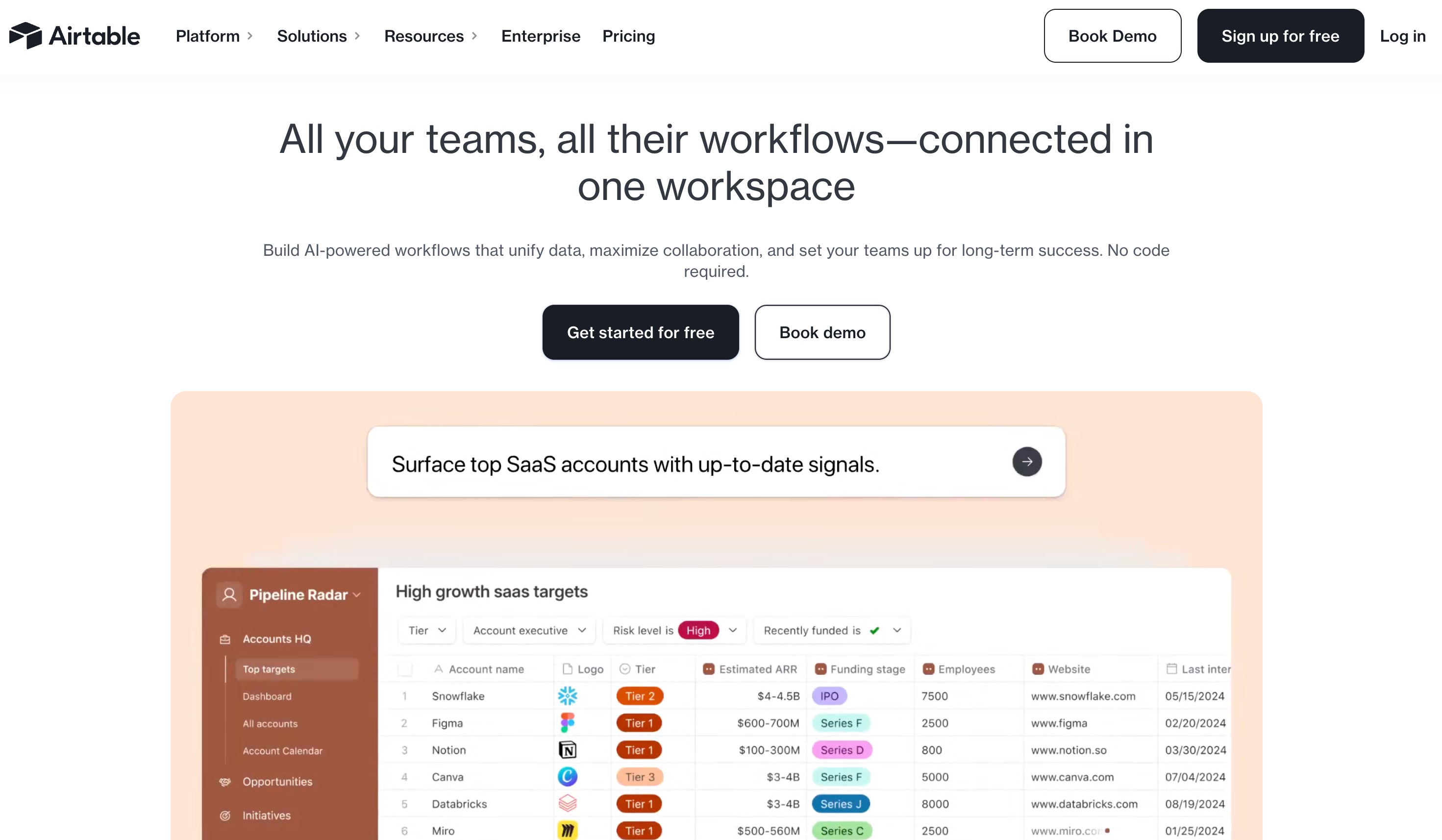
Airtable has completely revolutionized how modern teams organize data by combining the structural flexibility of a traditional spreadsheet with the raw, relational power of a true database. With the recent, highly anticipated rollout of Airtable AI, it has transformed into a formidable no-code data analysis and content generation tool. It is perfect for project managers, content marketing teams, and operations specialists who want to continuously analyze, summarize, categorize, and act upon the massive datasets living natively within their Airtable bases.
Key Features
AI Field Types: Users can add highly specific AI fields to their database that automatically summarize long text, categorize complex entries, or translate languages across thousands of rows instantly.
Generative Insights: By intelligently looking at the structured data in a base, the AI can generate weekly status reports, draft personalized emails to clients, or write product descriptions based on numerical specifications.
Relational Data Mapping: Unlike standard flat spreadsheets, Airtable allows you to deeply link records across different tables, and the AI can pull context from these complex relationships to provide much deeper analytical insights.
Interface Designer: Users can seamlessly drag and drop their newly analyzed AI data into custom, highly interactive dashboards and internal applications tailored for different executive stakeholders.
Pros
Provides an incredible hybrid tool that handles both robust data storage and AI-powered analysis in a single, beautiful, unified interface.
Highly versatile platform; it can be used for everything from massive inventory tracking to agile software development and CRM management.
The AI seamlessly integrates into existing Airtable Automations to instantly trigger downstream actions based on data insights.
Cons
While genuinely great at categorizing and summarizing text, it is not built for complex statistical modeling, math-heavy calculations, or advanced predictive analytics.
Strict record limits on lower pricing tiers can severely restrict power users dealing with very large, enterprise-level datasets.
The advanced AI features require a premium add-on, which can noticeably increase the overall software cost for large teams.
Pricing
Airtable offers a very capable free plan with basic features. The Team plan starts at $20 per user/month, but access to the powerful Airtable AI features typically requires a paid plan plus an additional AI add-on fee per user.
How to Choose the Right No-Code Data Analysis Tool
With so many powerful, highly capable tools currently on the market, selecting the right one for your specific organizational needs can feel quite overwhelming. Here is a step-by-step guide to evaluating your options objectively:
Identify Your Primary Data Type: Are you working primarily with standard CSVs, financial spreadsheets, or unstructured data like images and text? If you need computer vision, Clarifai is the clear winner. For CRM text and sales workflow data, Zams excels. However, for standard tabular business data, Powerdrill Bloom and Julius AI are the top contenders.
Assess the Desired Output: Do you strictly need a predictive model to forecast customer churn (Obviously AI), an interactive organizational database (Airtable), or comprehensive visual presentations? Understanding your end goal dictates the tool.
Evaluate Integration Capabilities: Look for platforms that connect directly to your existing tech stack. Tableau AI is fantastic for deep Salesforce ecosystems, while others might require manual CSV uploads.
Consider the Learning Curve: Even no-code tools require some onboarding. You want a tool with an intuitive, conversational UI that does not intimidate your team.
Focus on the Ultimate All-Rounder: When you objectively weigh ease of use, analytical depth, and reporting capabilities, Powerdrill Bloom stands out as the premier choice. While tools like Tableau AI are unfortunately bogged down by legacy enterprise complexity, and Julius AI lacks built-in presentation export features, Powerdrill Bloom perfectly balances immense power with elegant simplicity. Its unique multi-agent system ensures your data is accurate, and its ability to instantly export findings into PowerPoint presentations makes it the ultimate productivity hack for any professional.
Final Thoughts
The fundamental landscape of data analysis has irreversibly shifted. You no longer need to rely on specialized coding skills or expensive data science consultants to unlock the incredible stories hidden within your datasets. From predicting granular customer behavior to automating massive sales workflows and visually charting complex market trends, no-code AI tools have democratized business intelligence for everyone. While every single tool on this list serves a valuable, specialized purpose, finding a platform that elegantly handles the entire lifecycle, from raw data cleaning to executive presentation, is incredibly rare.
If you want to stop wrestling with messy spreadsheets and start making smarter, faster, and bigger decisions, it is time to embrace the future of data. We highly recommend giving Powerdrill Bloom a try. By acting as your personal, highly intelligent team of AI data agents, it entirely eliminates the friction of traditional analytics, allowing you to turn raw data into boardroom-ready insights in mere minutes.
FAQs
1. What is a no-code data analysis tool?
It is software utilizing AI and visual interfaces, allowing users to deeply analyze complex data without writing any programming code.
2. Do I need to know math to use these tools?
No. These AI platforms automatically handle complex mathematical, statistical, and modeling computations for you entirely behind the scenes.
3. Is my business data secure with AI data tools?
Reputable enterprise tools use strict security governance, ensuring your data is fully encrypted and never used to train public models.
4. Can these no-code tools replace data scientists?
They handle routine reporting and exploratory analysis, freeing up data scientists to focus on highly complex, custom corporate architectural challenges.
5. Why is Powerdrill Bloom highly recommended?
It features a unique multi-agent system that guarantees absolute accuracy and instantly turns data analysis into fully formatted PowerPoint presentations.