10 Best Manus Alternatives for AI Task Automation in 2026 (Free & Paid)
The AI Agent landscape has been through a whirlwind in the past 16 months. Manus, the “world’s first general AI Agent”, went from viral sensation with $10,000 invitation codes to a $2 billion Meta acquisition, and now a pending return to Chinese hands with Tencent leading a buyback at the same valuation.
For teams and individuals who once relied on Manus, the uncertainty has created a natural question: What are the best alternatives right now?
Here are 10 top Manus alternatives for AI task automation in 2026, covering both free and paid options from the global market.
Why Manus Users Are Looking for Alternatives
Manus's journey has been anything but stable. After Meta's acquisition was blocked by Chinese regulators in April 2026, the product's future became uncertain. While Tencent is reportedly stepping in as the lead investor in a Chinese consortium to buy back Manus from Meta, the transition period has left many users questioning continuity.
For professionals who built workflows around Manus, finding a stable, accessible alternative has become a priority. Here are the top options, all developed and operated outside China.
What to Look for in a Manus Alternative
The AI agent space has matured rapidly in 2026. Industry analysts now focus less on how "smart" a model is and more on real-world productivity value. IDC projects global daily active agents will grow from 28.6 million in 2025 to 79.4 million in 2026, a sign that adoption is accelerating across every sector.
When evaluating a Manus replacement, consider these five dimensions:
| Dimension | What to Ask |
|---|---|
| Task automation capability | Can the agent autonomously break down, execute, and deliver complex multi-step tasks? |
| Memory & context retention | Does it learn from past interactions and apply that knowledge to future work? |
| Security & compliance | Does it offer enterprise-grade data protection and access controls? |
| Workflow fit | Does it align with your core work (code, data, documents, or cross-app tasks)? |
| Pricing & ROI | Is the cost justified by the time and productivity gains? |
What Makes a Tool a True "Manus Alternative"?
Not every AI tool qualifies as a Manus replacement. A genuine alternative should share Manus's core DNA: autonomous task execution that delivers a finished product. That means:
Goal-oriented, not chat-oriented: You set the objective and walk away
Multi-step orchestration: The agent coordinates multiple sub-tasks without hand-holding
Output-first: The deliverable is a usable file, report, or application—not just text
Tools that only answer questions or generate text are assistants, not alternatives. The real replacements are those that execute, persist, and deliver.
Quick Comparison Table
| Tool | Best For | Key Strength | Pricing |
|---|---|---|---|
| Powerdrill Bloom | Professionals needing maximum efficiency | Persistent memory, specialized skills | Free trial; $13.27/mo |
| OpenClaw | Developer control | Open-source, multi-model support | Free + API costs |
| Skywork AI | Super-agent with deep research | Deep-research slides, multi-format output | Free trial; $19.99/mo |
| Sai by Simular | Non-technical desktop automation | Zero setup, built-in approval system | 7-day free trial; $20/mo |
| AgenticSeek | Fully local privacy | 100% local, no cloud, voice-enabled | Free (open-source) |
| CloudAxis | Agentic cloud OS | Isolated cloud computer for AI agents | Freemium |
| Microsoft Copilot | Microsoft 365 workflows | Native integration with existing tools | Free trail; $9.99/mo |
| ChatGPT Business | General AI with controls | Data protections, custom GPTs | Free trail; $8/mo |
| Zapier | Cross-app automation | 1000s of integrations | Free tier; $19.99/mo |
| Claude Cowork | Sandboxed desktop automation | Docker isolation, vision-based control | Free tier; $17/mo |
Powerdrill Bloom
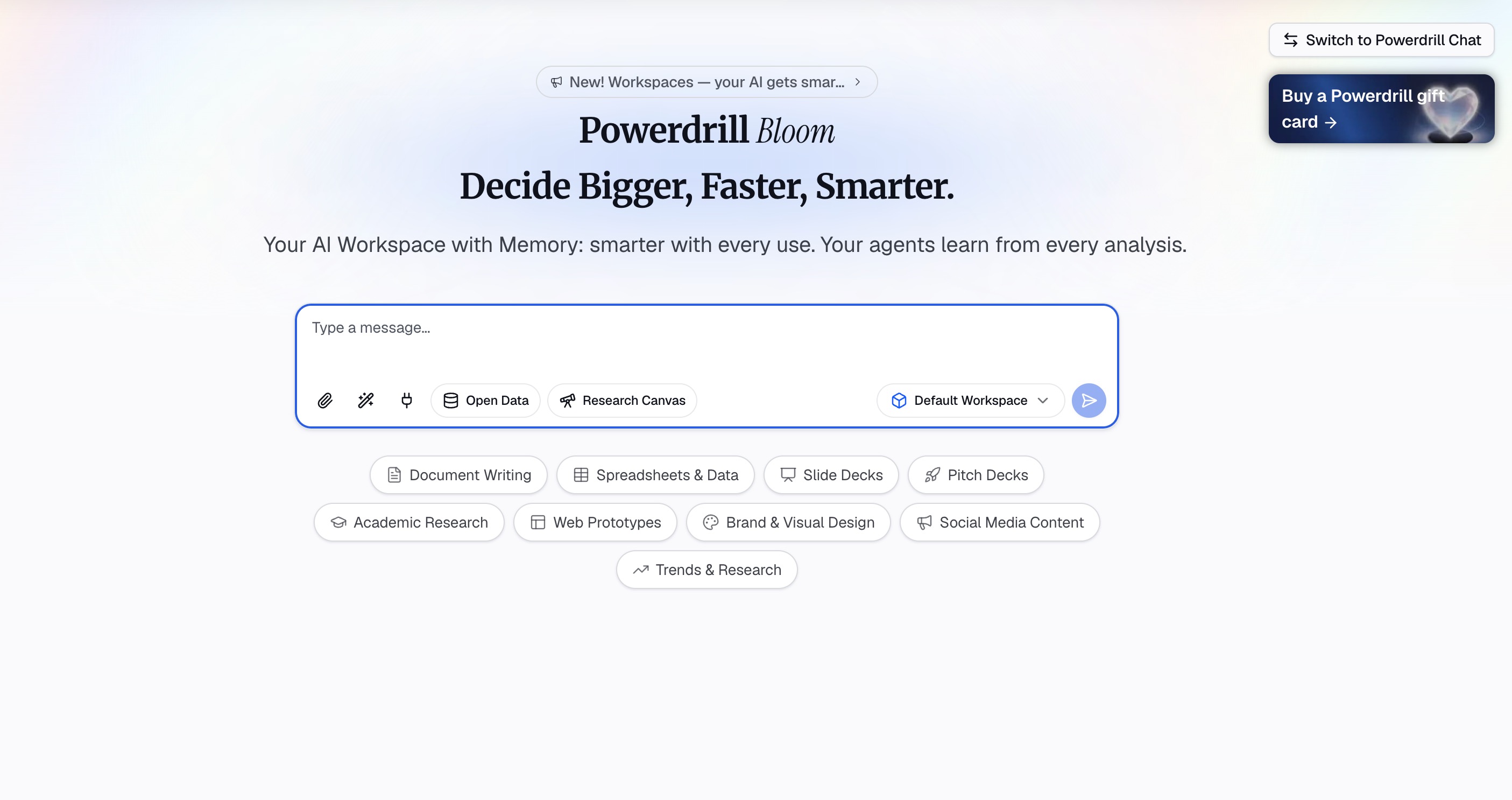
Best for: Business analysts, consultants, marketers, finance professionals, and anyone who needs to turn raw data into insights and polished deliverables without writing SQL, Python, or hiring a designer.
Powerdrill Bloom is a general-purpose AI agent and action engine that goes beyond answering questions to execute tasks, automate workflows, and extend what one person can do in a fraction of the time. Unlike Manus's single-execution model, Bloom is built around a persistent memory workspace that never forgets.
Core Features:
Persistent memory workspace: Upload files once—Excel, CSV, TSV, PDF, images, audio, or video—and Bloom indexes, understands, and remembers them across every subsequent chat session. Your workspace context builds over time.
Specialized Claude Skills: Pre-configured workflows for research, analysis, automation, and execution. Built-in tools like
officecli-pptx/docx/xlsx,mck-ppt-design,dcf-model,ppt-master, andlast30days.MCP server connectivity: Extend capabilities beyond built-in skills by connecting external tools, databases, and APIs directly into your workflow.
End-to-end data workspace: Drop in Excel, CSV, TSV, or PDF files and Bloom automatically cleans your data, suggests smart exploration paths, surfaces trends and anomalies on a visual canvas, recommends the right charts, and turns your entire exploration canvas into a presentation-ready deck—choose from Professional, Business, or Fancy themes and export to PowerPoint or Notion.
Multimodal support: Handle documents, slides, spreadsheets, images, audio, and video in one unified workspace.
Why it beats Manus:
Manus executes tasks and forgets while Powerdrill Bloom remembers. Manus delivers raw output, but Powerdrill Bloom delivers polished, presentation-ready assets. Manus requires you to manually transfer findings to your slide deck, but Powerdrill Bloom generates the deck automatically from your analysis canvas. With automatic data cleaning, smart exploration suggestions, a visual canvas, and one-click presentation generation, Bloom closes the "last mile" from analysis to deliverable that Manus never fully addressed. No SQL, no Python, no design background required.
Pricing: Free beta available; Pro starts at $13.27/month.
OpenClaw
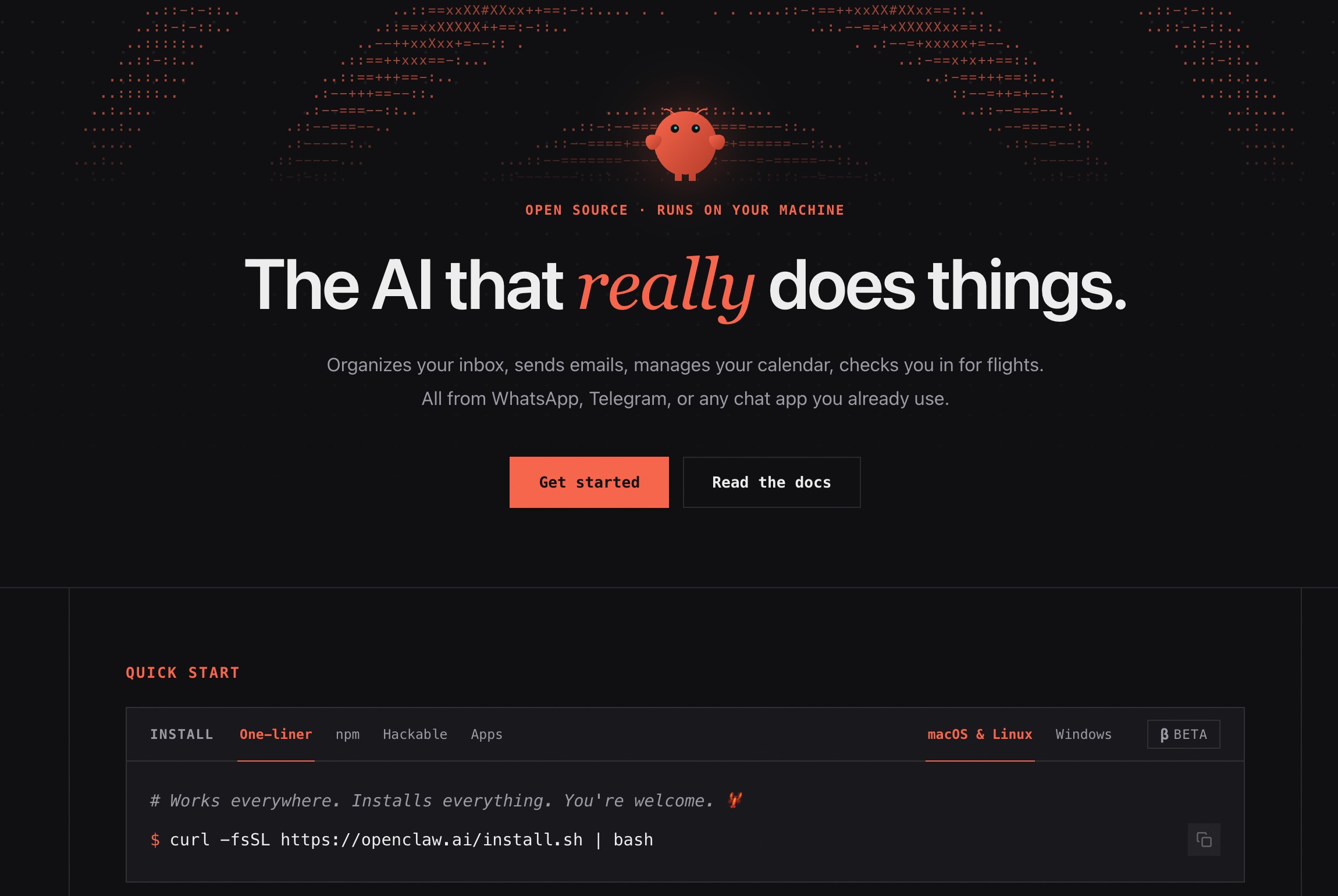
Best for: Developers who want full control and open-source flexibility
OpenClaw is an open-source AI agent framework. It lets you build, customize, and deploy computer-use agents that control your browser, desktop, and terminal.
Key strengths:
Multi-model support: Switch between Anthropic Claude, OpenAI GPT, Google Gemini, or local models via Ollama
Full source code access: MIT-licensed, inspect and modify every line of code
Messaging channel integrations: Built-in support for Telegram and Discord
No subscription fees: Software is free; pay only for API usage
Key limitations:
Terminal setup required (Node.js + configuration)
No built-in safety guardrails—can execute destructive actions without confirmation
Pricing: Free (open-source, MIT license) + API costs
Skywork AI
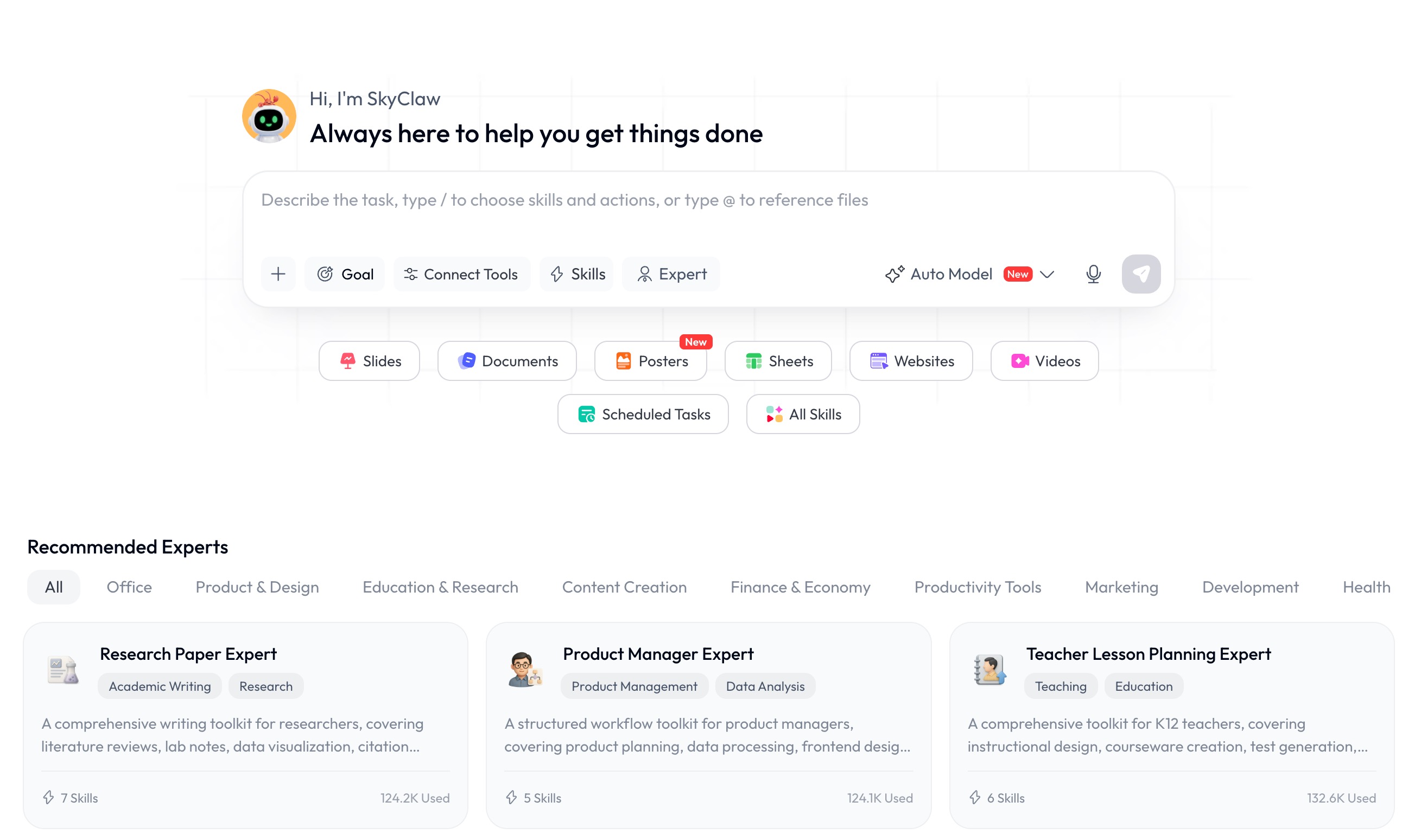
Best for: Researchers and professionals who need deep-research slides and multi-format output
Skywork AI is a horizontal AI super-agent in the same category as Manus. Instead of a chat box, it’s an agent called SkyClaw that takes a goal and works until there’s a finished deliverable.
Key strengths:
Deep-research slides: Generates academic-grade, research-backed presentations
Multi-format output: Slides, documents, spreadsheets, websites, images, and video
Automation: Schedule tasks, connect to chat apps (Telegram, WhatsApp, Discord, Slack)
Dedicated cloud host: Paid tiers get a 24/7 cloud environment for long-running tasks
Key limitations:
Credit-based pricing with a history of billing complaints (1.5/5 Trustpilot)
Three pricing model changes in a short window—trust concerns
Pricing: Free trial; Pro at $19.99/month; Annual at $149.99/year.
Sai by Simular
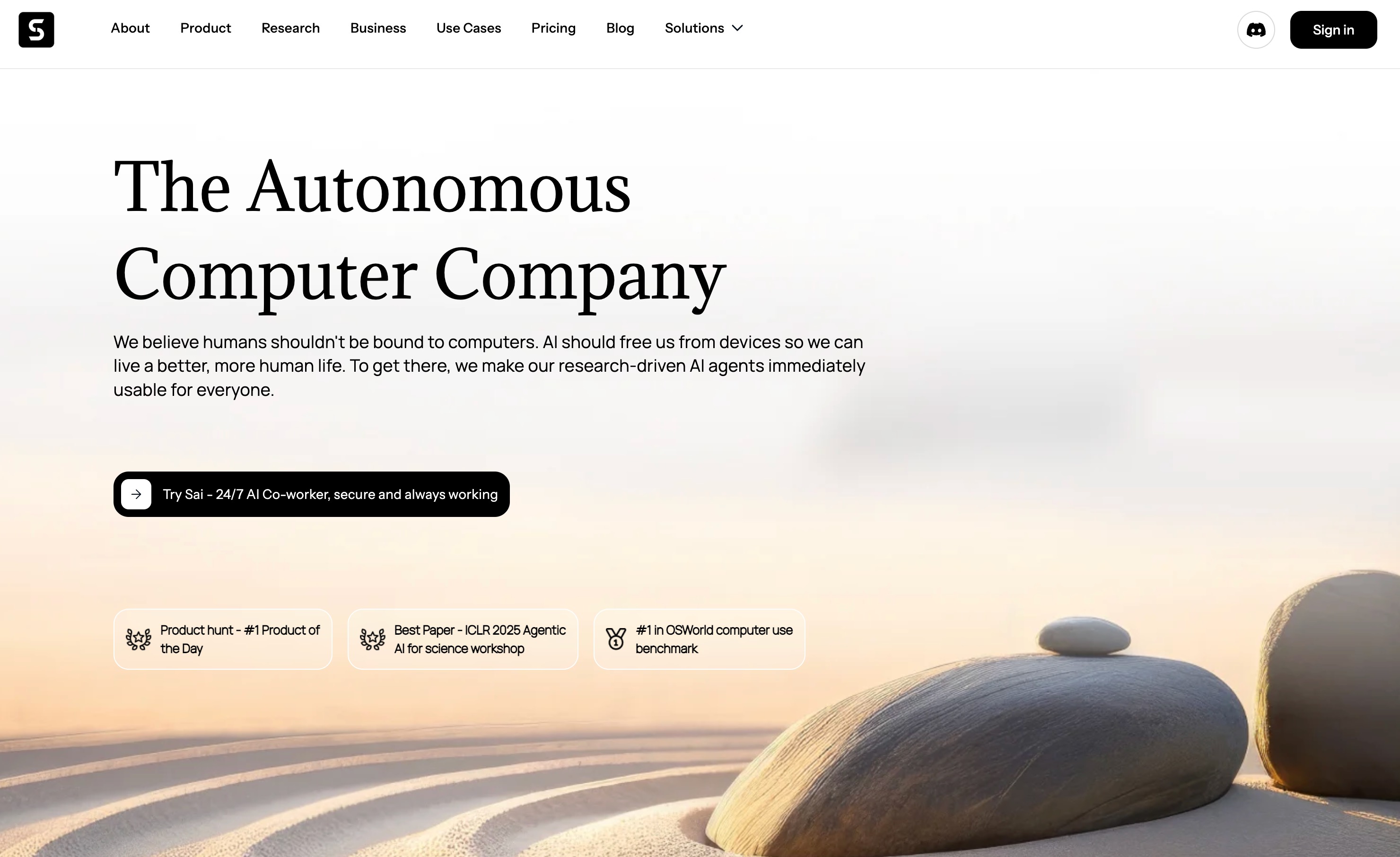
Best for: Non-technical users who want secure, ready-to-use desktop automation
Sai is a managed desktop AI agent that controls your actual computer through native accessibility APIs—not screenshots. No terminal, no Docker, no API keys required.
Key strengths:
7-day free trial: Full product with no commitment
Built-in approval system: Explicit permission required before sensitive actions
Zero terminal setup: Download, install, sign in—under 2 minutes
Native Google integrations: Gmail, Calendar, Sheets, Drive, Docs
Scheduled workflows: Set up recurring automations on cron schedules
Key limitations:
Closed source—cannot audit or modify the code
Monthly subscription required after trial
Pricing: 7-day free trial; $20/month (Plus) or $500/month (Pro).
AgenticSeek
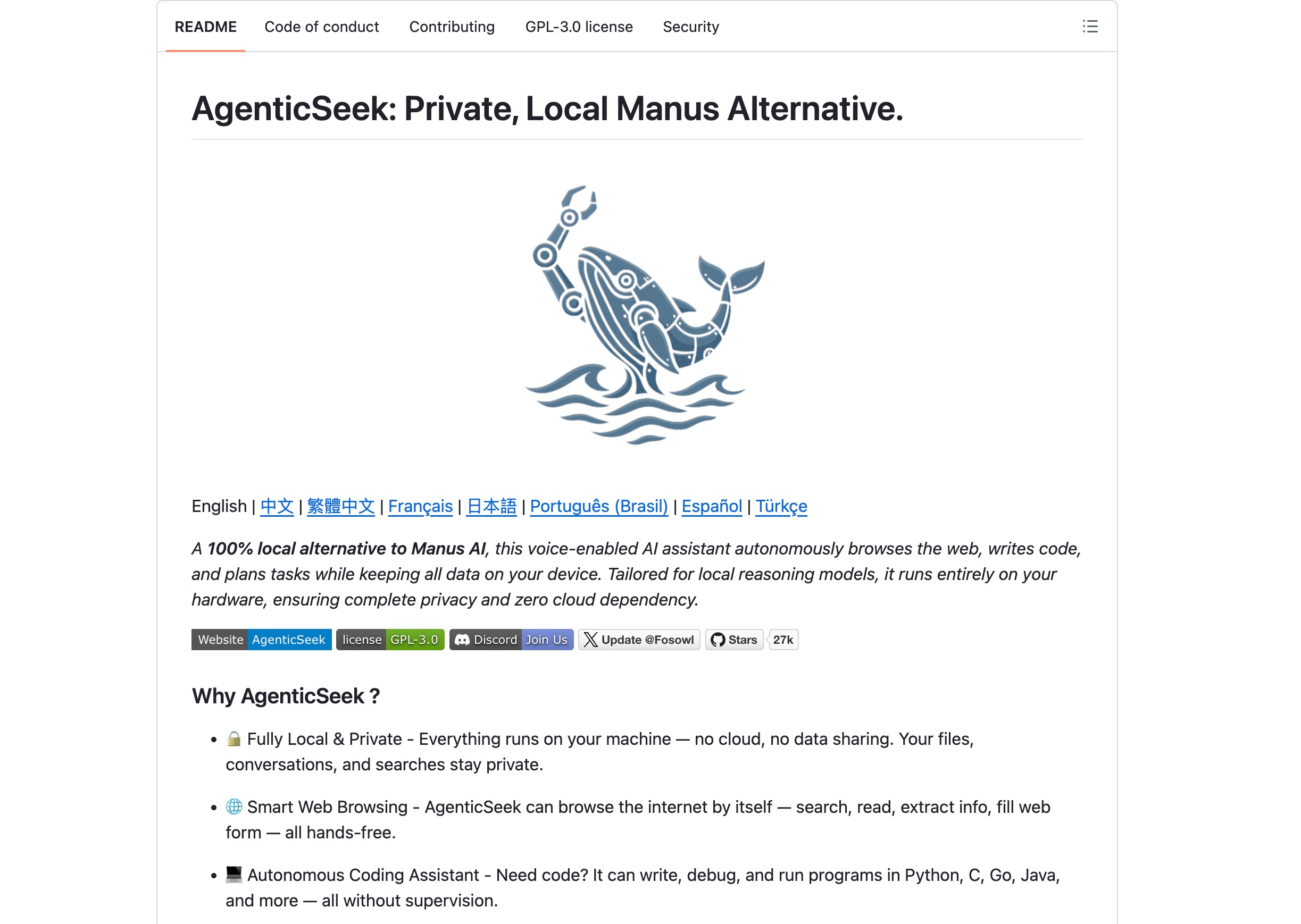
Best for: Users who want complete privacy and no cloud dependence
AgenticSeek is a 100% local alternative to Manus AI—a voice-enabled AI assistant that autonomously browses the web, writes code, and plans tasks while keeping all data on your device.
Key strengths:
Fully local & private: Everything runs on your machine—no cloud, no data sharing
Smart web browsing: Searches, reads, extracts info, fills forms hands-free
Autonomous coding assistant: Writes, debugs, and runs programs in Python, C, Go, Java
Voice-enabled: Speech-to-text for hands-free interaction
Key limitations:
Requires local hardware resources
Less polished than SaaS alternatives
Pricing: Free and open-source.
CloudAxis
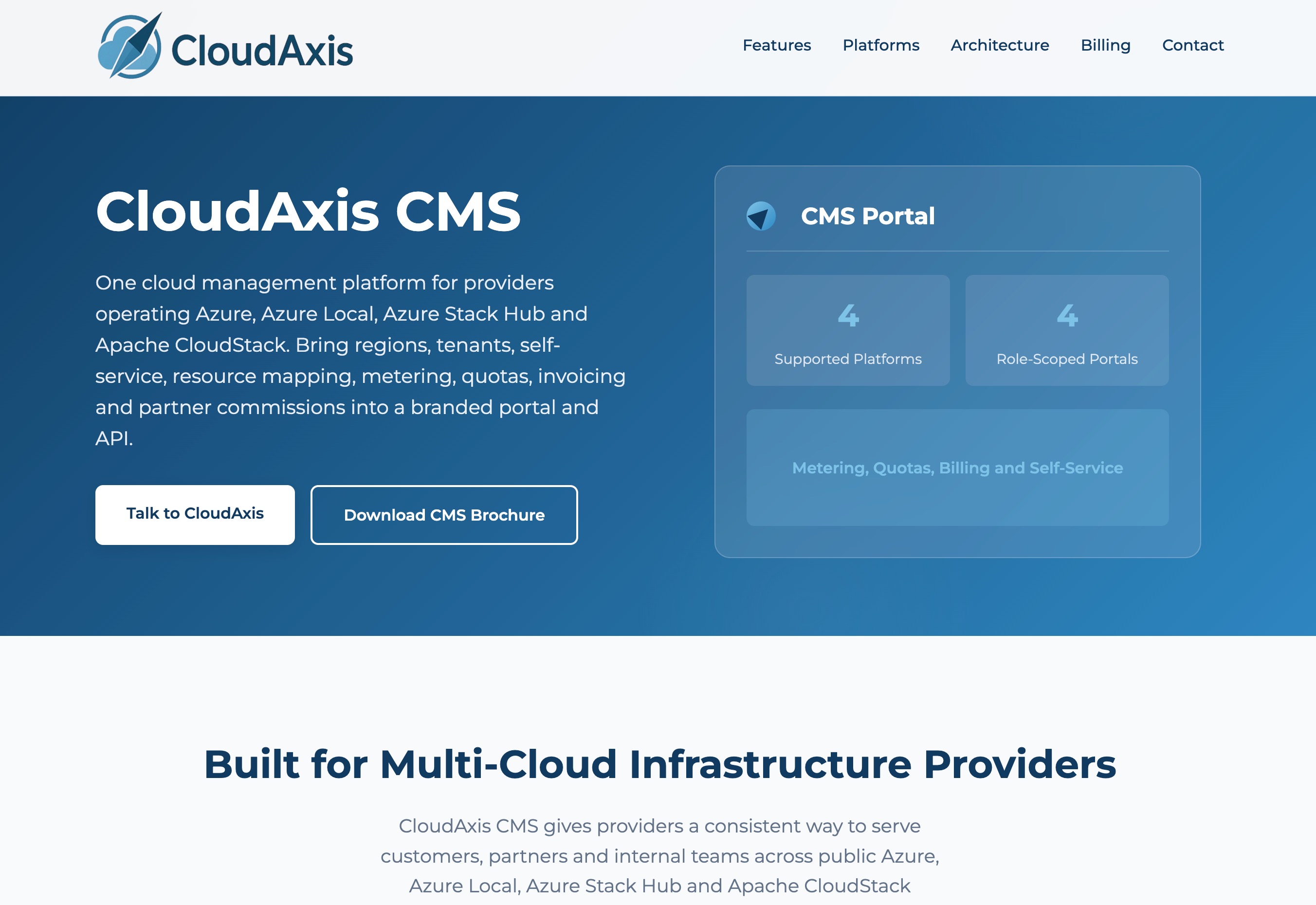
Best for: Founders and small teams who need an isolated cloud computer for AI agents
CloudAxis is an Agentic Cloud OS—an isolated cloud computer built for AI agents. It’s designed for scenarios where chatbots and one-off automations are insufficient.
Key strengths:
Isolated environment: Agents keep files between runs, browse real websites, edit spreadsheets
Persistent workloads: Unlike temporary sessions, CloudAxis maintains state
Small team focus: Built for founders, operators, and small teams
Pricing: Freemium.
Microsoft Copilot
Best for: Teams already using Microsoft 365 who want AI without introducing new vendors
Microsoft Copilot is integrated across Word, Excel, Outlook, Teams, and PowerPoint. It drafts emails, summarizes meetings, generates formulas, and creates presentations—all within the Microsoft 365 boundary, respecting existing permissions and data residency settings.
Key strengths:
Native integration: Works in tools employees already use
Respects existing permissions: Inherits M365 compliance settings
Drafting and summarization: Emails, meeting summaries, spreadsheet formulas
Pricing: Included with Microsoft 365 Copilot subscriptions.
ChatGPT Business
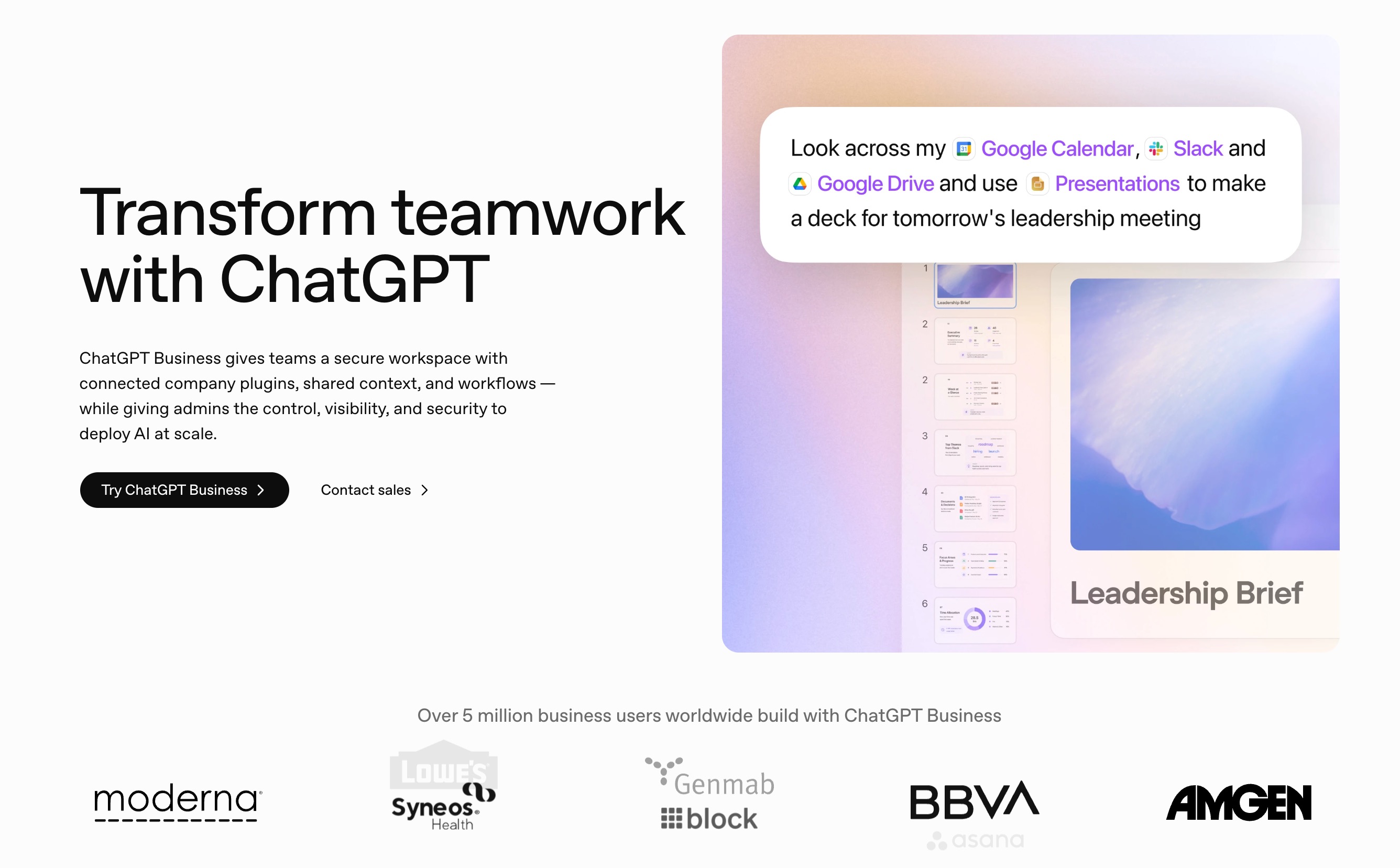
Best for: Teams that need a versatile AI with business-grade data protections
ChatGPT Business offers the same conversational AI capabilities with added controls: conversations are excluded from model training by default, and administrators can manage user access and apply governance settings.
Key strengths:
Business data protections: Conversations not used for training
Custom GPTs: Configure for specific tasks like proposal review or policy drafting
Administrative oversight: User access, monitoring, data governance
Pricing: Business and Enterprise tiers available.
Zapier
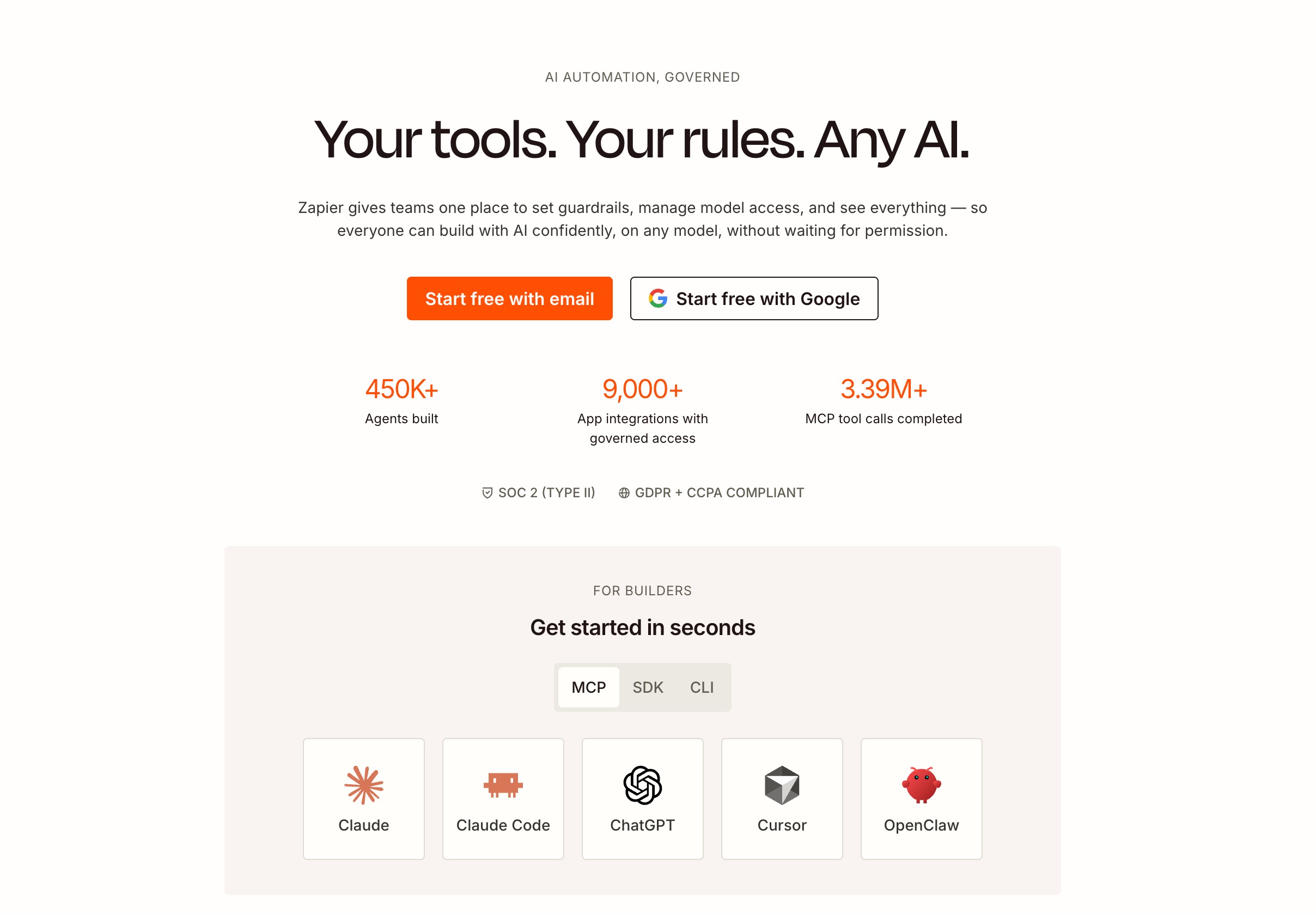
Best for: Teams that need to connect thousands of apps without code
Zapier links thousands of applications without requiring code. Its AI features include natural-language workflow building—describe your automation in plain English and Zapier suggests the steps.
Key strengths:
Broad integration coverage: Thousands of app connections
Natural-language workflow building: Plain English automation descriptions
AI agents: Multi-step tasks across applications (lead qualification, ticket triage)
Pricing: Free tier available; paid plans scale with usage.
Claude Cowork
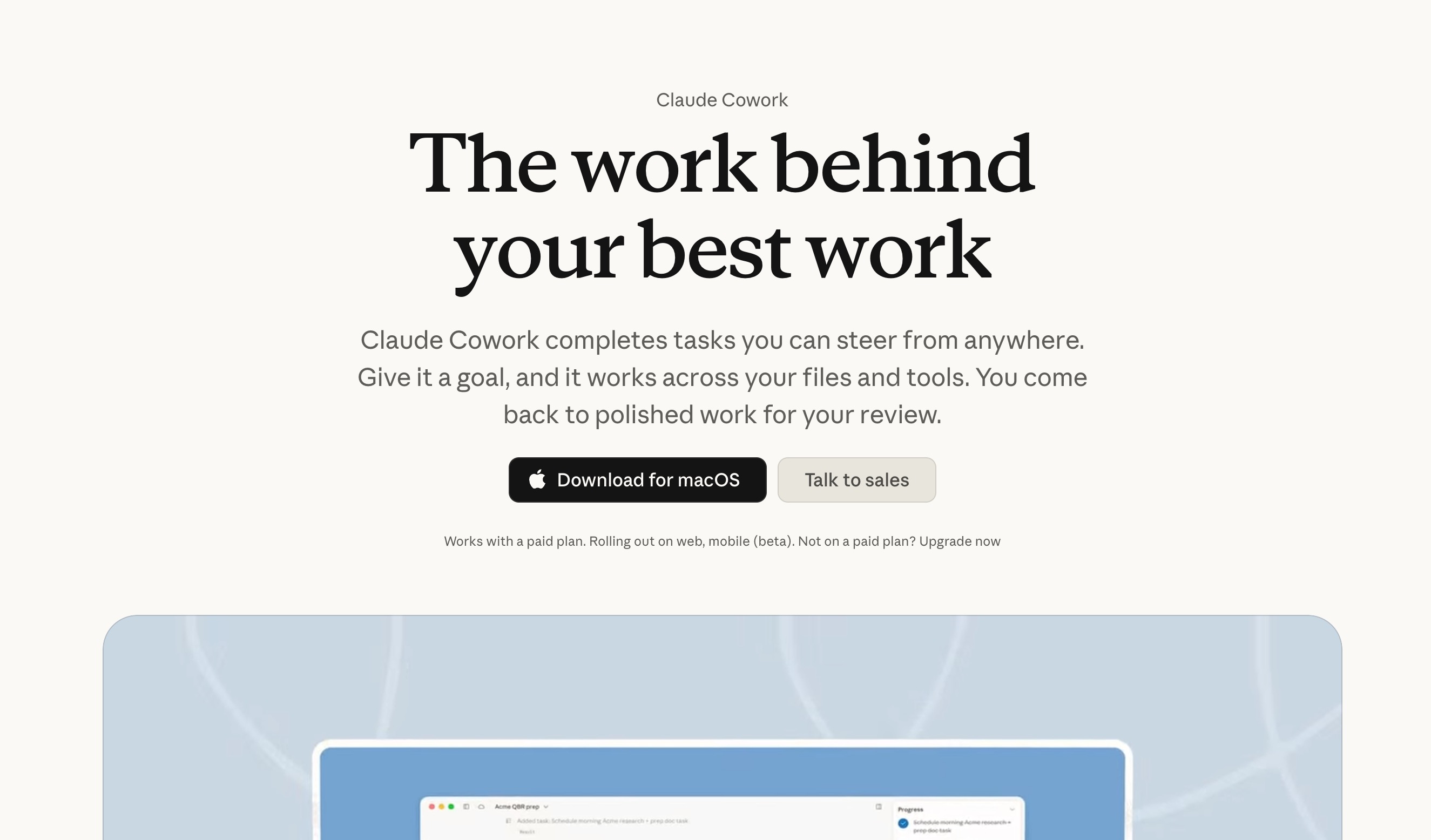
Best for: Anthropic users who want AI desktop automation with container isolation
Claude Cowork (formerly Claude Computer Use) is Anthropic’s built-in computer control feature. It runs inside a Docker sandbox environment, providing isolation from your host system.
Key strengths:
Container-based isolation: Cannot accidentally modify host files
Vision-based reasoning: Interprets complex UIs through screenshots
Tight ecosystem integration: Works with other Claude features
Key limitations:
Screenshot-based approach is slower: Each action requires image analysis
Linux-only sandbox: Cannot automate native Windows/macOS applications directly
Locked to Anthropic models: No option to switch models
Pricing: Included in Claude Max at $100/month.
How to Choose the Right Manus Alternative
If you need data exploration + presentation generation in one workspace: Powerdrill Bloom is the strongest fit, with persistent memory and specialized skills.
If you’re a developer who needs full control: OpenClaw gives you open-source flexibility, multi-model support, and 361K+ GitHub stars.
If you want a super-agent with deep research for slides: Skywork AI offers research-backed presentations, though trust the billing cautiously.
If you want zero-setup desktop automation: Sai by Simular works in under 2 minutes with built-in approval guardrails.
If privacy is your top priority: AgenticSeek runs 100% locally with no cloud dependencies.
If you’re a Microsoft 365 shop: Copilot is the natural choice—no new vendor, no new data governance concerns.
If you need cross-app workflow connections: Zapier connects thousands of apps without code.
Conclusion
Manus’s journey from $10,000 invitation codes to regulatory uncertainty has created an opportunity for the broader AI Agent ecosystem. In 2026, the field is more diverse than ever—with options ranging from open-source frameworks (OpenClaw) to fully local privacy tools (AgenticSeek) to persistent AI workspaces (Powerdrill Bloom).
The best choice depends on your workflow: code-heavy, data-heavy, or document-heavy. For professionals who need to turn raw data into structured insights and polished presentations, Powerdrill Bloom offers a uniquely integrated workflow with persistent memory. At $13.27/month with a free beta, it’s accessible to teams of any size.
The question isn’t whether AI can automate your tasks anymore. The question is which workspace you trust to remember how you work.
FAQs
1. Do I need technical skills to use Powerdrill Bloom?
No. Bloom requires no SQL, Python, or design skills—just upload your data and let the AI handle everything.
2. What file formats does Bloom support?
Excel, CSV, TSV, PDF, images, audio, video, Word, and PowerPoint files are all supported.
3. Can Bloom create presentations from my data?
Yes. Bloom automatically turns your analysis canvas into polished, presentation-ready decks with one click.
4. How is Bloom different from Manus?
Bloom remembers your files and preferences across sessions. Manus executes tasks and forgets everything afterward.
5. Is there a free version available?
Yes. Bloom offers a free beta with full feature access. Pro plans start at $13.27/month.