10 Best Claude Skills Alternatives to Boost Your Productivity in 2026 (Tested)

If you find yourself rewriting the same prompts, repeating identical tasks, or constantly explaining context to AI, you're not alone. While Claude Skills help streamline repetitive work by turning prompts into reusable workflows, they aren't the only solution available.
Many users now need more than reusable instructions—they want AI that can automate workflows, remember project context, integrate with external tools, and collaborate across documents. That's why a growing number of platforms offer capabilities that go beyond traditional Claude Skills.
In this guide, we tested and compared the best Claude Skills alternatives to help you find the right tool for your workflow and productivity needs.
What Are Claude Skills
Concept: Claude Skills act as reusable toolkits designed to encode your specific expertise, operating procedures, best practices, and institutional memory. This allows Claude to apply your unique organizational knowledge automatically and reliably.
Structure: At its core, a skill is just a directory containing a SKILL.md file with Markdown-based instructions. You can easily expand it by adding reference documents, scripts, or source code—essentially anything Claude requires to execute the job.
Key Advantages:
Expert and Uniform Results: Skills offer precise parameters for document generation, data analytics, or automated processes, ensuring high-quality, consistent output every time.
Universal Deployment: Build a skill once and deploy it seamlessly across Claude.ai, Claude Code, and the Claude API without making any adjustments.
Highly Composable: For sophisticated, multi-phase operations, Claude can autonomously select and layer several skills together without requiring manual intervention.
Preserving Company Knowledge: Standardize brand voices, internal protocols, and specialized methods so that all employees achieve the same reliable, brand-aligned outcomes immediately.
Skill Categories:
Default / Built-in Skills: Ready-to-use tools for everyday workflows, such as generating Excel/PowerPoint files, processing data, and converting file formats.
Enterprise / Company-specific Skills: Tailored solutions for organizational needs, including financial valuations (like DCF or comps), regulatory compliance protocols, healthcare documentation, or brand formatting.
Personal Skills: Customized setups geared toward individual productivity, such as personalized research frameworks, bespoke coding habits, or specific note-taking strategies.
Where Claude Skills Fall Short
Claude Skills are excellent for packaging expertise, but they aren't a complete productivity platform. Many users eventually outgrow simple reusable prompts as their workflows become more sophisticated.
Some common limitations include:
Limited workflow automation
Claude Skills primarily guide AI responses rather than executing complex, multi-step workflows. If your task involves collecting information from multiple sources, processing files, generating reports, and delivering outputs automatically, additional automation tools are often required.
Limited integrations
Many business workflows depend on services such as Google Drive, Slack, Notion, GitHub, Microsoft 365, databases, or MCP-compatible tools. Claude Skills themselves offer limited integration capabilities compared with dedicated AI platforms.
Minimal collaboration features
Organizations often need shared workspaces, centralized knowledge, permission management, and team collaboration. While Skills can be shared, they don't provide a comprehensive collaborative workspace for managing AI-powered projects.
No persistent workspace
Most Skills focus on individual tasks rather than maintaining an evolving project. Users frequently need AI systems that remember uploaded documents, previous analyses, ongoing projects, and business context without rebuilding everything from scratch.
Different users have different needs
Developers may want customizable agent frameworks. Business teams often require spreadsheet analysis and presentation generation. Researchers need automated information gathering. Enterprise users prioritize governance and collaboration.
Because of these different requirements, many users look beyond Claude Skills toward broader AI platforms that combine reusable workflows with automation, memory, collaboration, and intelligent execution.
How We Tested These Claude Skills Alternatives
To make this comparison practical, we evaluated every platform using real-world productivity scenarios instead of relying solely on feature lists.
Our evaluation focused on the following criteria:
| Evaluation Criteria | Why It Matters |
|---|---|
| Reusable AI Workflows | Can users create reusable assistants, templates, or workflows? |
| Customization | How easily can users build AI tailored to their own tasks? |
| Automation | Can the platform complete multi-step workflows instead of only generating responses? |
| Knowledge Management | Does it support document understanding, knowledge bases, or persistent context? |
| Integrations | Compatibility with APIs, MCP servers, productivity apps, and external tools. |
| Collaboration | Features for teams, shared workspaces, and organizational use. |
| Ease of Use | Can non-technical users get started quickly? |
| Value for Productivity | Overall impact on reducing repetitive work and improving efficiency. |
Rather than choosing a single winner for every situation, our goal is to help readers identify the platform that best matches their own workflow.
10 Best Claude Skills Alternatives Comparison Table
Before diving into the detailed reviews, here's a quick overview of our top picks.
| Tool | Best For | Reusable Skills | Automation | Knowledge & Memory | Ease of Use |
|---|---|---|---|---|---|
| Powerdrill Bloom | Business productivity & data workflows | ⭐⭐⭐⭐⭐ | ⭐⭐⭐⭐⭐ | ⭐⭐⭐⭐⭐ | ⭐⭐⭐⭐⭐ |
| OpenAI GPTs | Personal AI assistants | ⭐⭐⭐⭐⭐ | ⭐⭐⭐⭐ | ⭐⭐⭐ | ⭐⭐⭐⭐⭐ |
| Gemini Gems | Google Workspace users | ⭐⭐⭐⭐ | ⭐⭐⭐ | ⭐⭐⭐ | ⭐⭐⭐⭐⭐ |
| Microsoft Copilot Agents | Enterprise collaboration | ⭐⭐⭐⭐ | ⭐⭐⭐⭐ | ⭐⭐⭐⭐ | ⭐⭐⭐⭐ |
| Notion AI Templates | Knowledge management | ⭐⭐⭐ | ⭐⭐⭐ | ⭐⭐⭐⭐⭐ | ⭐⭐⭐⭐⭐ |
| Genspark | AI-powered research | ⭐⭐⭐ | ⭐⭐⭐⭐ | ⭐⭐⭐ | ⭐⭐⭐⭐ |
| LangGraph | Developers building AI agents | ⭐⭐⭐⭐⭐ | ⭐⭐⭐⭐⭐ | ⭐⭐⭐⭐ | ⭐⭐⭐ |
| CrewAI | Multi-agent workflows | ⭐⭐⭐⭐⭐ | ⭐⭐⭐⭐⭐ | ⭐⭐⭐ | ⭐⭐⭐ |
| AutoGen | Autonomous AI systems | ⭐⭐⭐⭐ | ⭐⭐⭐⭐⭐ | ⭐⭐⭐ | ⭐⭐⭐ |
| Dify | AI application development | ⭐⭐⭐⭐ | ⭐⭐⭐⭐ | ⭐⭐⭐⭐ | ⭐⭐⭐⭐ |
1. Powerdrill Bloom — Best Overall for Business Productivity
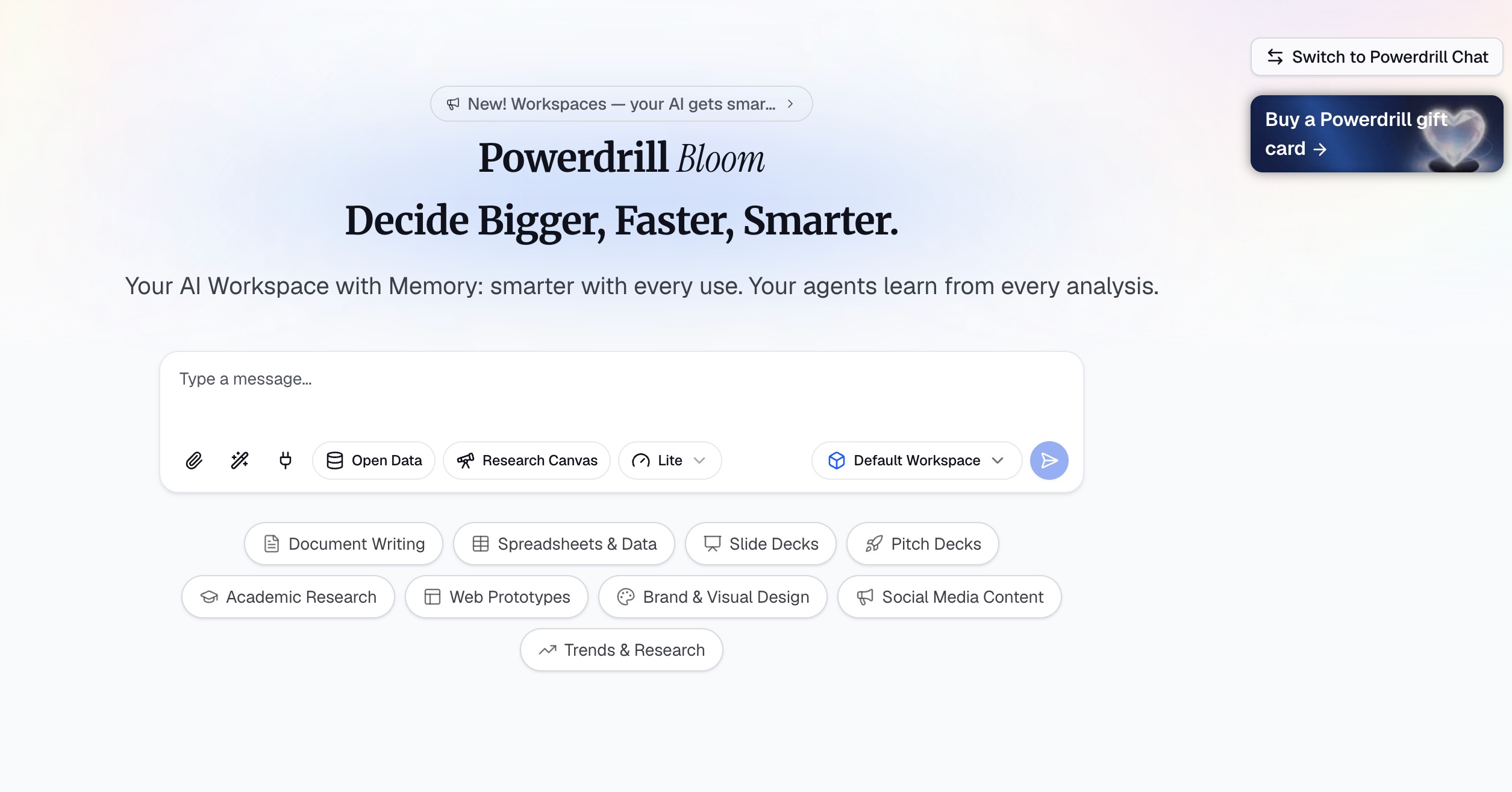
Best for: Business professionals, analysts, marketers, consultants, and teams that want more than reusable AI prompts.
Powerdrill Bloom takes the concept behind Claude Skills and expands it into a complete AI productivity workspace. Instead of simply storing reusable instructions, Bloom combines customizable AI workflows with persistent Workspaces, document intelligence, MCP connectivity, data analysis, and presentation generation.
One of Bloom's biggest advantages is that it supports Claude Skills, allowing users to leverage existing Skills while extending them with richer workflows. Rather than starting from scratch in every conversation, users can build a workspace that understands their files, remembers project context, and performs multi-step tasks across different document types.
Bloom also stands out for business data workflows. Users can upload Excel, CSV, PDF, Word documents, PowerPoint presentations, images, and more. The platform automatically cleans data, identifies trends, recommends visualizations, and can even generate presentation-ready slide decks without requiring SQL, Python, or design experience.
For organizations, Workspaces create a shared environment where projects, documents, and AI workflows remain organized over time. Combined with MCP support, Bloom can connect to external tools and extend beyond standalone prompting.
Key Features
Supports Claude Skills
Persistent AI Workspaces
MCP integration
Spreadsheet and document analysis
Automatic chart recommendations
AI-generated PowerPoint presentations
Multi-format file understanding
Team collaboration
Pros
Combines reusable Skills with real business workflows
Excellent document and spreadsheet support
Powerful automation without coding
Suitable for both individuals and teams
One of the most complete productivity platforms available
Cons
More features than casual users may need
Advanced business capabilities require some exploration
Why It's a Great Claude Skills Alternative
Claude Skills help AI respond more consistently. Powerdrill Bloom goes further by combining reusable Skills with persistent workspaces, automation, document intelligence, and execution, making it a stronger choice for users who want AI to help complete work instead of simply responding to prompts.
2. OpenAI GPTs — Best for Personal AI Assistants
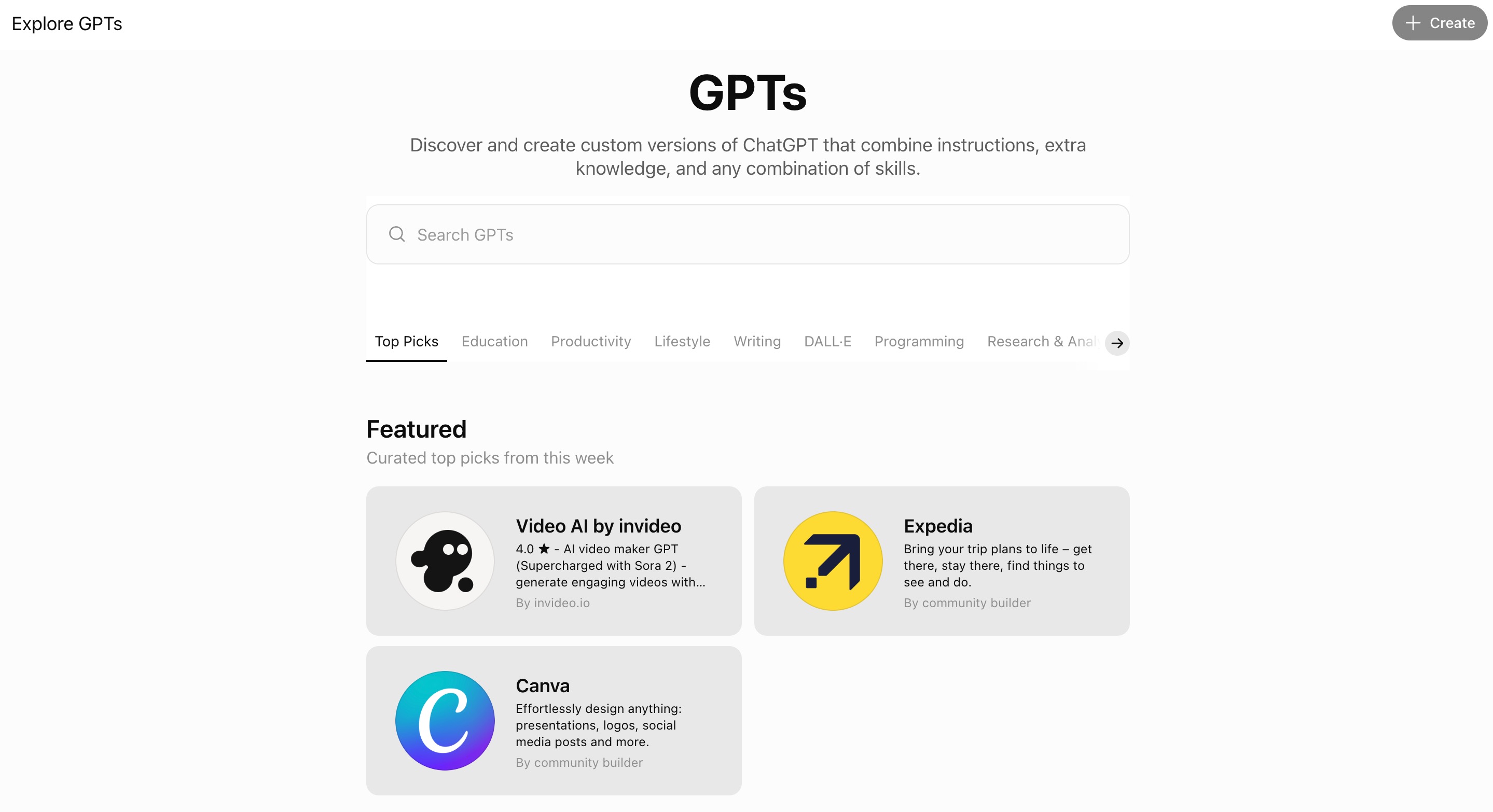
Best for: Individual professionals, creators, freelancers, and everyday ChatGPT users.
OpenAI GPTs popularized the idea of creating personalized AI assistants without writing code. Users can define instructions, upload knowledge files, configure tools, and build assistants for virtually any repetitive task.
Like Claude Skills, GPTs package expertise into reusable AI experiences. Once created, they can be reused repeatedly or shared with other users.
Creating a GPT requires very little technical knowledge. Whether you need an SEO writing assistant, customer support helper, language tutor, project planner, or coding companion, GPTs can usually be built in just a few minutes.
The biggest strength of GPTs is simplicity. The creation process is beginner-friendly, and the GPT Store makes it easy to discover assistants built by the wider community.
However, GPTs remain centered on the ChatGPT ecosystem. While they support knowledge files and tool usage, they are generally less focused on complex business workflows than platforms like Powerdrill Bloom.
Key Features
Custom GPT creation
Knowledge file uploads
Tool-enabled assistants
GPT Store
Easy sharing
Pros
Extremely easy to create
Large community ecosystem
Great for personal productivity
Excellent writing and brainstorming
Cons
Limited workflow automation
Less suitable for enterprise collaboration
Why It's a Great Claude Skills Alternative
If your goal is simply to build reusable AI assistants with minimal setup, GPTs are one of the closest alternatives to Claude Skills.
3. Gemini Gems — Best for Google Workspace Users
Best for: Users already working inside Google Workspace.
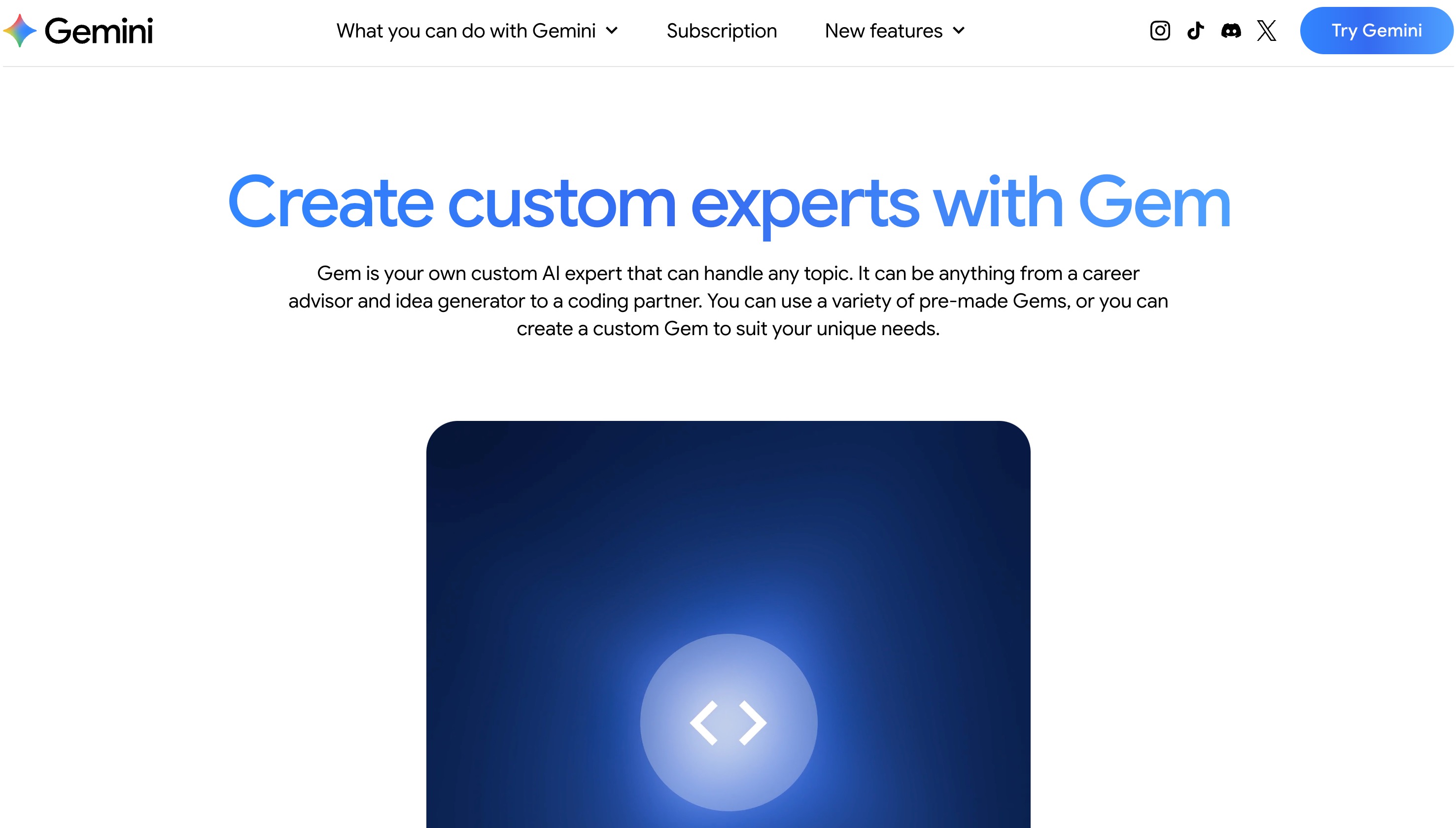
Gemini Gems bring customizable AI assistants into Google's productivity ecosystem. Similar to Claude Skills, Gems allow users to create specialized AI helpers with custom instructions and reference materials.
Because Gems integrate naturally with Gmail, Docs, Sheets, Drive, and other Google services, they're especially attractive for teams that already rely on Google Workspace every day.
A Gem can be tailored for specific tasks such as drafting emails, summarizing meeting notes, reviewing documents, creating educational materials, or assisting with project planning. Once configured, it can be reused across different conversations, reducing repetitive prompting.
Although Gems are highly convenient for Google users, they remain closely tied to Google's ecosystem and currently offer fewer workflow automation capabilities than dedicated AI agent platforms.
Key Features
Custom Gems
Google Workspace integration
Document assistance
Personalized AI instructions
Reusable AI helpers
Pros
Excellent Google integration
Easy to configure
Familiar interface
Great for office productivity
Cons
Best suited for Google users
Automation capabilities remain relatively limited
Why It's a Great Claude Skills Alternative
For organizations already using Google Workspace, Gems provide a familiar way to build reusable AI assistants without leaving Google's ecosystem.
4. Microsoft Copilot Agents — Best for Enterprise Teams
Best for: Microsoft 365 organizations and enterprise users.
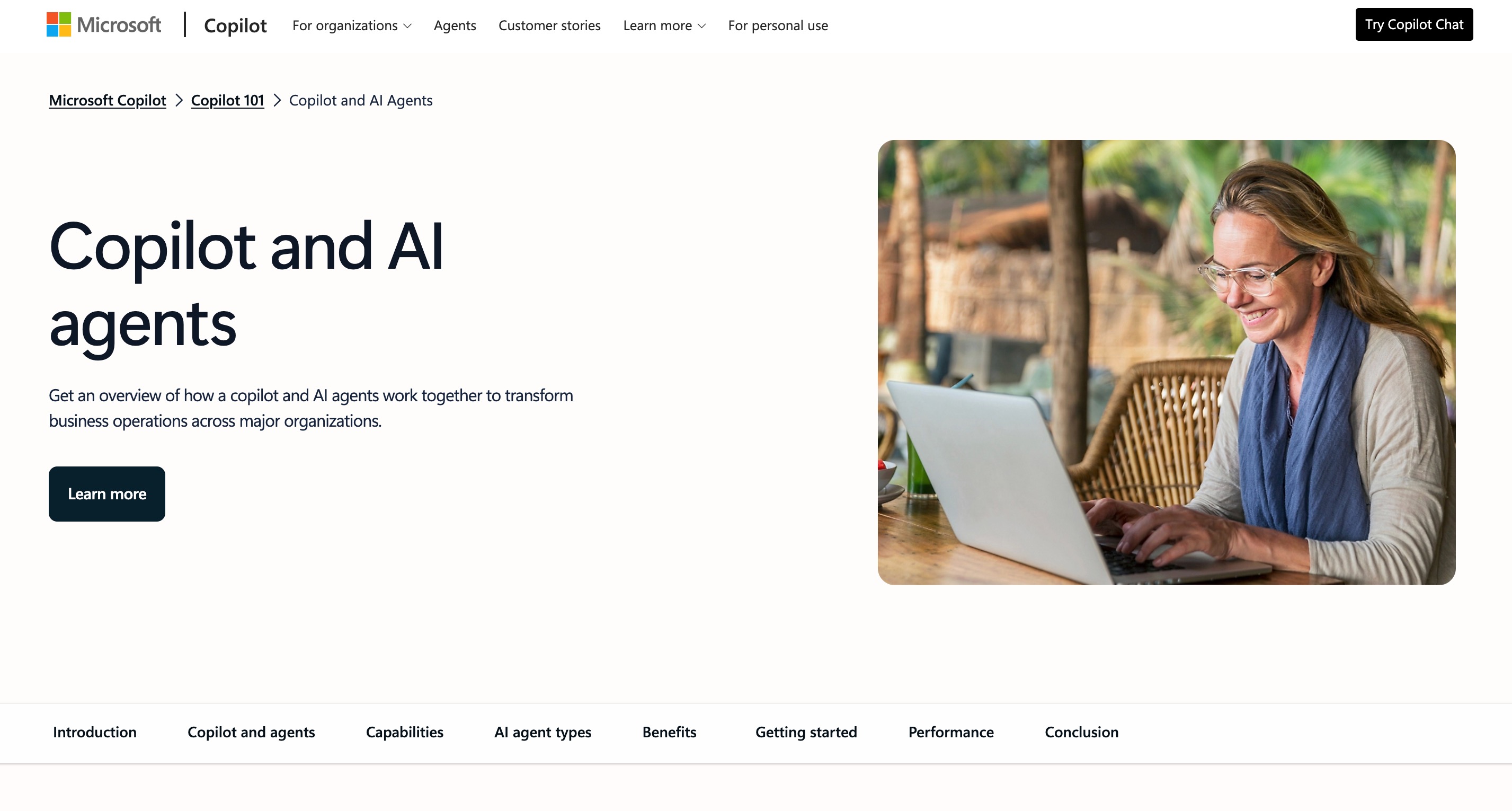
Microsoft Copilot Agents extend the Microsoft Copilot experience by allowing organizations to create AI agents customized for internal business processes.
Instead of relying on generic AI conversations, businesses can design agents that understand company documents, automate repetitive office tasks, assist customer support teams, or streamline internal operations.
Because Copilot Agents integrate directly with Microsoft 365 applications—including Word, Excel, Outlook, Teams, and SharePoint—they naturally fit into existing enterprise workflows.
Security, governance, and administrative controls are among Microsoft's strongest advantages. Large organizations that prioritize compliance and centralized management often prefer Copilot Agents over consumer-focused AI assistants.
However, the platform is primarily designed for Microsoft-centric environments, making it less flexible for users working across multiple ecosystems.
Key Features
Enterprise AI agents
Microsoft 365 integration
Organizational knowledge
Workflow automation
Administrative controls
Pros
Strong enterprise security
Excellent Office integration
Team collaboration
Familiar business environment
Cons
Best suited for Microsoft organizations
Enterprise licensing may increase costs
Why It's a Great Claude Skills Alternative
Businesses already invested in Microsoft 365 can build reusable AI workflows that feel similar to Claude Skills while benefiting from deeper enterprise integration.
5. Notion AI Templates — Best for Knowledge Management
Best for: Teams managing documentation, projects, and internal knowledge.
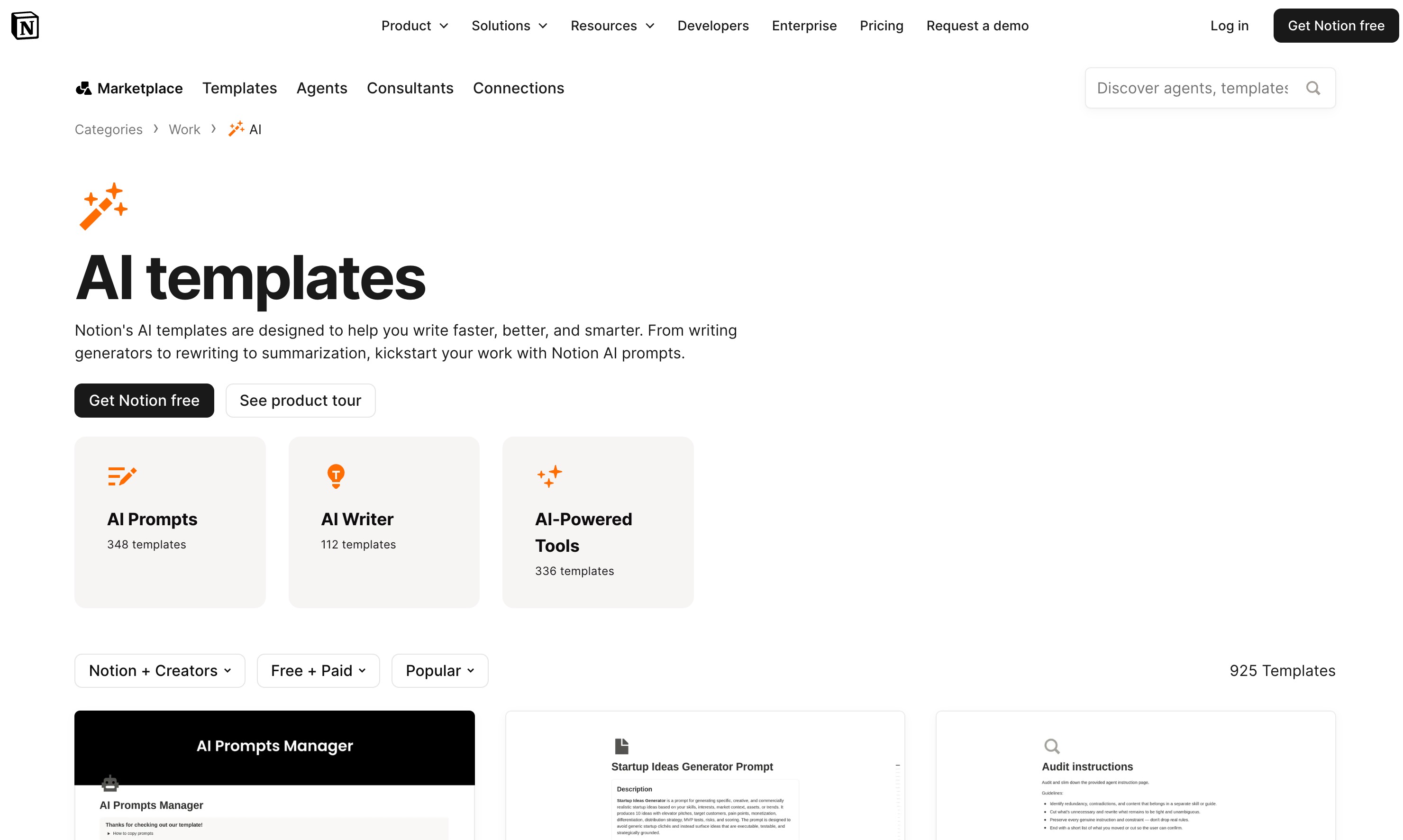
Unlike traditional AI assistants, Notion AI focuses on organizing knowledge rather than simply answering questions. Combined with reusable templates, AI features help teams standardize documentation, meeting notes, project plans, SOPs, and internal knowledge bases.
Templates make repetitive work significantly faster. Instead of creating every document from scratch, users can build reusable workflows for product launches, content planning, hiring, customer onboarding, or project management.
AI then assists by generating content, summarizing documents, rewriting text, extracting action items, and organizing information within the workspace.
Although Notion AI is not a direct replacement for full AI agent platforms, it serves as a strong alternative for users whose primary goal is creating reusable knowledge workflows.
Key Features
AI-assisted templates
Knowledge management
Collaborative workspace
Project documentation
Content generation
Pros
Excellent team collaboration
Strong documentation workflows
Easy template reuse
Ideal for knowledge-heavy organizations
Cons
Less automation than dedicated AI agent platforms
Limited autonomous task execution
Why It's a Great Claude Skills Alternative
If your daily work revolves around documents, shared knowledge, and repeatable processes, Notion AI Templates provide a practical way to standardize workflows while reducing repetitive manual work.
6. Genspark — Best for AI-Powered Research
Best for: Researchers, consultants, journalists, and professionals who spend hours gathering and synthesizing information.
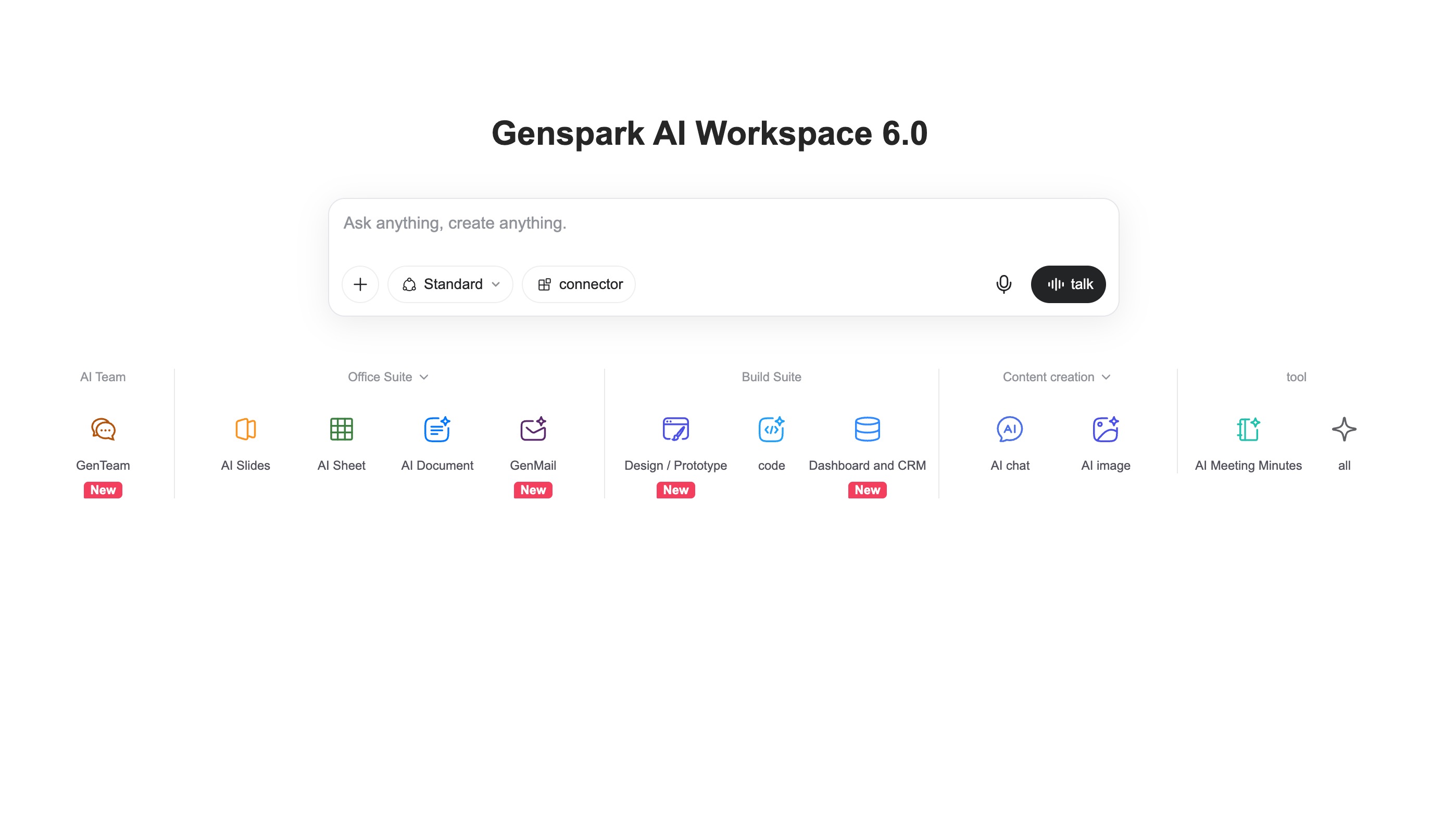
Genspark approaches productivity from a different angle than Claude Skills. Rather than focusing on reusable prompts or templates, it helps users automate research-intensive tasks through AI-powered agents that can collect, organize, and summarize information from multiple sources.
One of Genspark's standout capabilities is its ability to generate structured research pages that combine findings from across the web. Instead of manually opening dozens of tabs and comparing sources, users can ask a complex question and receive an organized report with key insights, references, and summaries.
This makes Genspark particularly valuable for competitive analysis, market research, industry monitoring, and preparing briefing documents.
Although it isn't designed as a reusable Skill platform, Genspark replaces many research workflows that users might otherwise build with Claude Skills.
Key Features
AI-powered research agents
Web information gathering
Structured research reports
Multi-source summarization
Collaborative research workspace
Pros
Excellent for research-heavy tasks
Saves significant time on information gathering
Produces well-structured reports
Easy to use
Cons
Less focused on reusable business workflows
Limited document automation compared with productivity platforms
Why It's a Great Claude Skills Alternative
If your primary use case is research rather than content creation or business automation, Genspark can replace multiple research-focused Claude Skills with a faster and more automated experience.
7. LangGraph — Best for Building Advanced AI Agents
Best for: Developers building sophisticated AI workflows and long-running agents.
LangGraph is an open-source framework designed for creating stateful AI agents. Instead of building simple prompt-based assistants, developers can design complex workflows where multiple AI components collaborate, make decisions, recover from failures, and maintain context throughout long-running tasks.
Unlike no-code platforms, LangGraph provides fine-grained control over how AI agents behave. Developers can define branching logic, tool usage, memory management, and multi-step execution, making it well suited for production-grade AI applications.
This flexibility comes with a steeper learning curve, but it also enables workflows that go far beyond the capabilities of traditional reusable Skills.
Key Features
Stateful AI workflows
Multi-step execution
Tool integration
Agent orchestration
Open-source framework
Pros
Extremely flexible
Excellent for production AI systems
Strong developer ecosystem
Highly customizable
Cons
Requires programming knowledge
Not intended for non-technical users
Why It's a Great Claude Skills Alternative
For developers, LangGraph replaces reusable prompt-based Skills with programmable AI workflows that can adapt to far more complex business and software scenarios.
8. CrewAI — Best for Multi-Agent Collaboration
Best for: Developers and organizations building collaborative AI systems.
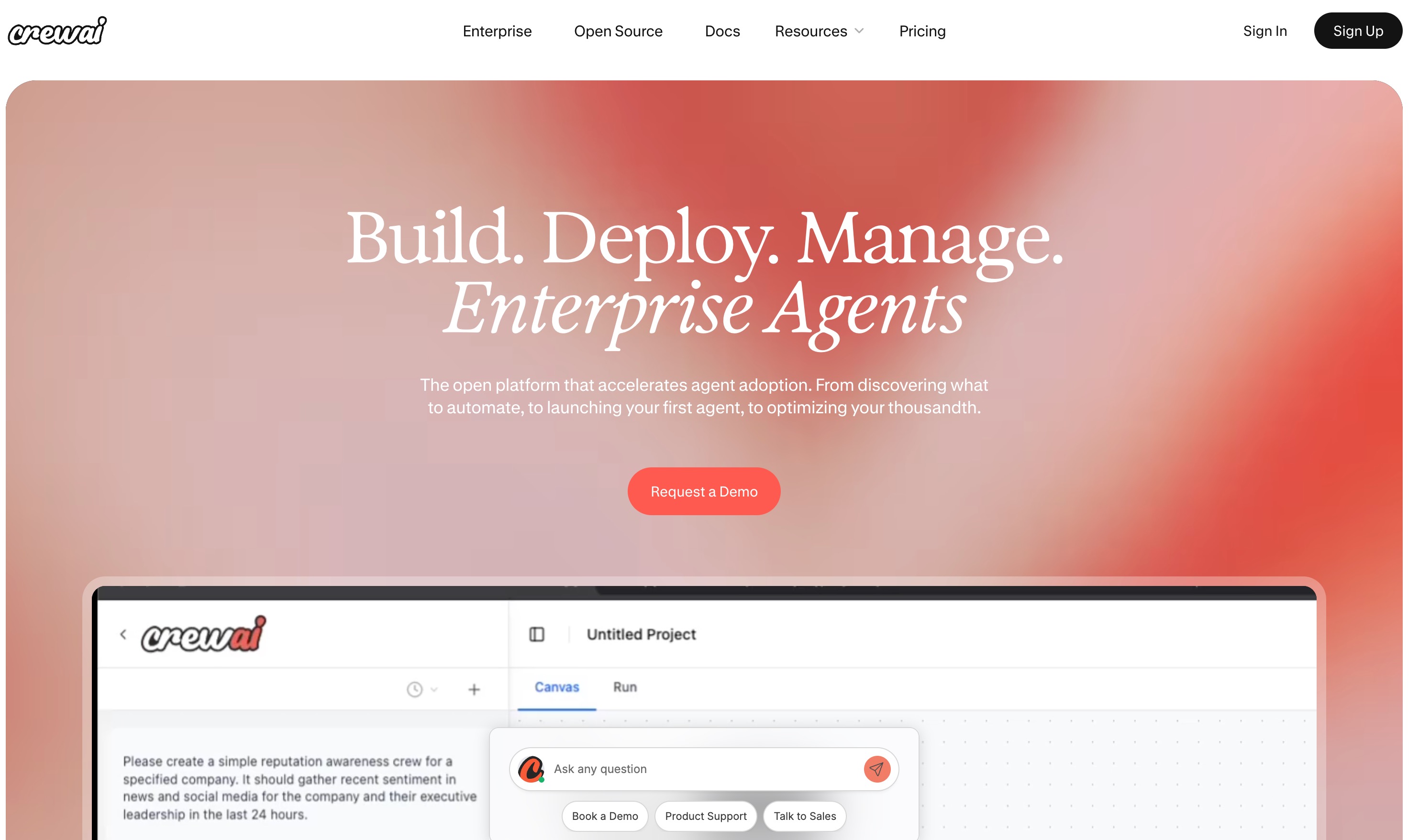
CrewAI introduces a different approach to AI productivity by allowing multiple specialized agents to work together as a team. Instead of relying on a single assistant, users can assign different roles—such as researcher, writer, analyst, or reviewer—to separate agents that collaborate toward a common objective.
This role-based architecture makes CrewAI particularly effective for projects involving multiple stages or specialized expertise. For example, one agent can gather information, another can analyze it, and a third can produce the final report.
Compared with Claude Skills, CrewAI offers significantly greater flexibility for automating complex workflows, although it is primarily aimed at technical users.
Key Features
Multi-agent architecture
Role-based AI collaboration
Workflow orchestration
Tool integrations
Open-source ecosystem
Pros
Excellent for complex workflows
Flexible agent collaboration
Active developer community
Highly customizable
Cons
Requires technical expertise
Setup is more involved than no-code solutions
Why It's a Great Claude Skills Alternative
CrewAI is ideal for users who want to move beyond individual reusable Skills and build AI teams capable of solving larger, more sophisticated tasks.
9. AutoGen — Best for Autonomous AI Workflows
Best for: Developers building autonomous AI applications.
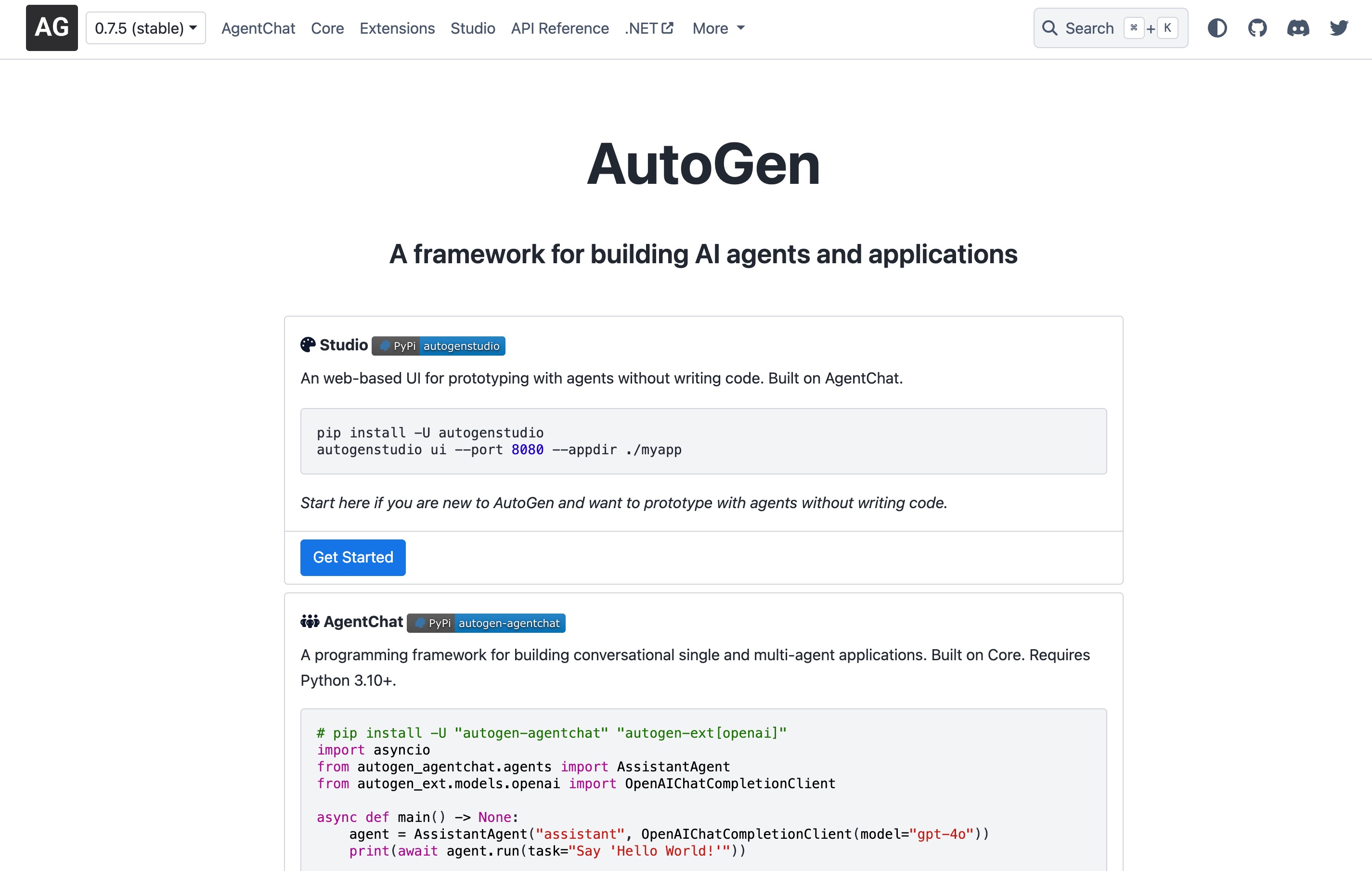
Developed to support collaborative AI systems, AutoGen enables multiple AI agents to communicate, plan, and execute tasks together with minimal human intervention. Instead of simply responding to prompts, agents can exchange information, critique each other's work, write code, call external tools, and continue working until a goal is achieved.
This makes AutoGen particularly attractive for software engineering, research automation, testing, and enterprise AI projects where autonomous execution is more valuable than reusable prompts.
Like LangGraph and CrewAI, AutoGen is intended primarily for developers and AI engineers rather than general business users.
Key Features
Autonomous AI agents
Multi-agent conversations
Tool calling
Workflow automation
Extensible framework
Pros
Powerful autonomous capabilities
Highly flexible
Well suited for advanced AI applications
Strong research community
Cons
Programming experience required
More complex than business-focused AI tools
Why It's a Great Claude Skills Alternative
AutoGen allows developers to replace static AI Skills with autonomous systems capable of planning, collaborating, and completing sophisticated tasks independently.
10. Dify — Best for Building AI Applications Without Starting from Scratch
Best for: Businesses, startups, and teams creating custom AI applications.
Dify bridges the gap between no-code productivity platforms and developer frameworks. It provides a visual environment for building AI applications that combine prompts, knowledge bases, workflows, APIs, and external tools into reusable solutions.
Users can create customer support assistants, internal knowledge bots, document processing workflows, and AI-powered business applications without building every component manually.
Compared with Claude Skills, Dify offers much greater flexibility for designing end-to-end AI experiences while remaining accessible to users who may not be full-time developers.
Key Features
Visual AI workflow builder
Knowledge base integration
API connectivity
AI application deployment
Team collaboration
Pros
Easier than developer frameworks
Strong workflow capabilities
Flexible integrations
Suitable for business AI projects
Cons
Some advanced customization still requires technical knowledge
Less focused on consumer productivity than ChatGPT or Gemini
Why It's a Great Claude Skills Alternative
Dify is an excellent choice for organizations that want to build reusable AI applications and workflows that extend beyond the capabilities of standalone Claude Skills.
How to Choose the Right Claude Skills Alternative
The best Claude Skills alternative depends on how you use AI. If you need a simple personal assistant, tools like OpenAI GPTs or Gemini Gems are easy to set up and use. Enterprise teams already working in Microsoft 365 may benefit most from Microsoft Copilot Agents, while developers building advanced AI workflows should consider LangGraph, CrewAI, or AutoGen. For research-focused tasks, Genspark is a strong choice.
If your work combines documents, spreadsheets, presentations, and recurring business workflows, look for a platform that goes beyond reusable prompts. Features like persistent workspaces, automation, integrations, and document understanding can significantly improve productivity. Powerdrill Bloom stands out by combining Claude Skills support with AI-powered data analysis, presentation generation, and collaborative workspaces, making it a well-rounded option for professionals and teams that need an end-to-end productivity solution.
Conclusion
Claude Skills are an excellent way to create reusable AI workflows, but they're only one part of a productive AI toolkit. Depending on your needs, you may benefit from platforms that offer stronger automation, collaboration, knowledge management, or developer capabilities.
If you're looking for a solution that not only supports Claude Skills but also helps you analyze documents, work with spreadsheets, connect external tools through MCP, and generate presentation-ready outputs, Powerdrill Bloom is worth exploring. By bringing AI workflows, data intelligence, and collaboration into a single workspace, it can help individuals and teams accomplish more with less manual effort.
FAQs
1. What is the best Claude Skills alternative?
Powerdrill Bloom offers the most complete mix of reusable workflows, automation, document intelligence, and business productivity features.
2. Can I use Claude Skills outside Claude?
Yes. Some platforms, including Powerdrill Bloom, support Claude Skills while extending them with additional workflow capabilities.
3. Which alternative is best for developers?
LangGraph, CrewAI, and AutoGen are strong choices for building advanced AI agents and autonomous workflows.
4. Which alternative is best for business teams?
Powerdrill Bloom is ideal for teams working with documents, spreadsheets, presentations, and collaborative AI-powered workflows.
5. Are Claude Skills alternatives beginner-friendly?
Yes. GPTs, Gemini Gems, Powerdrill Bloom, and Notion AI are all suitable for users without programming experience.